DVR Server Manual
→
6.6 PTZ Control
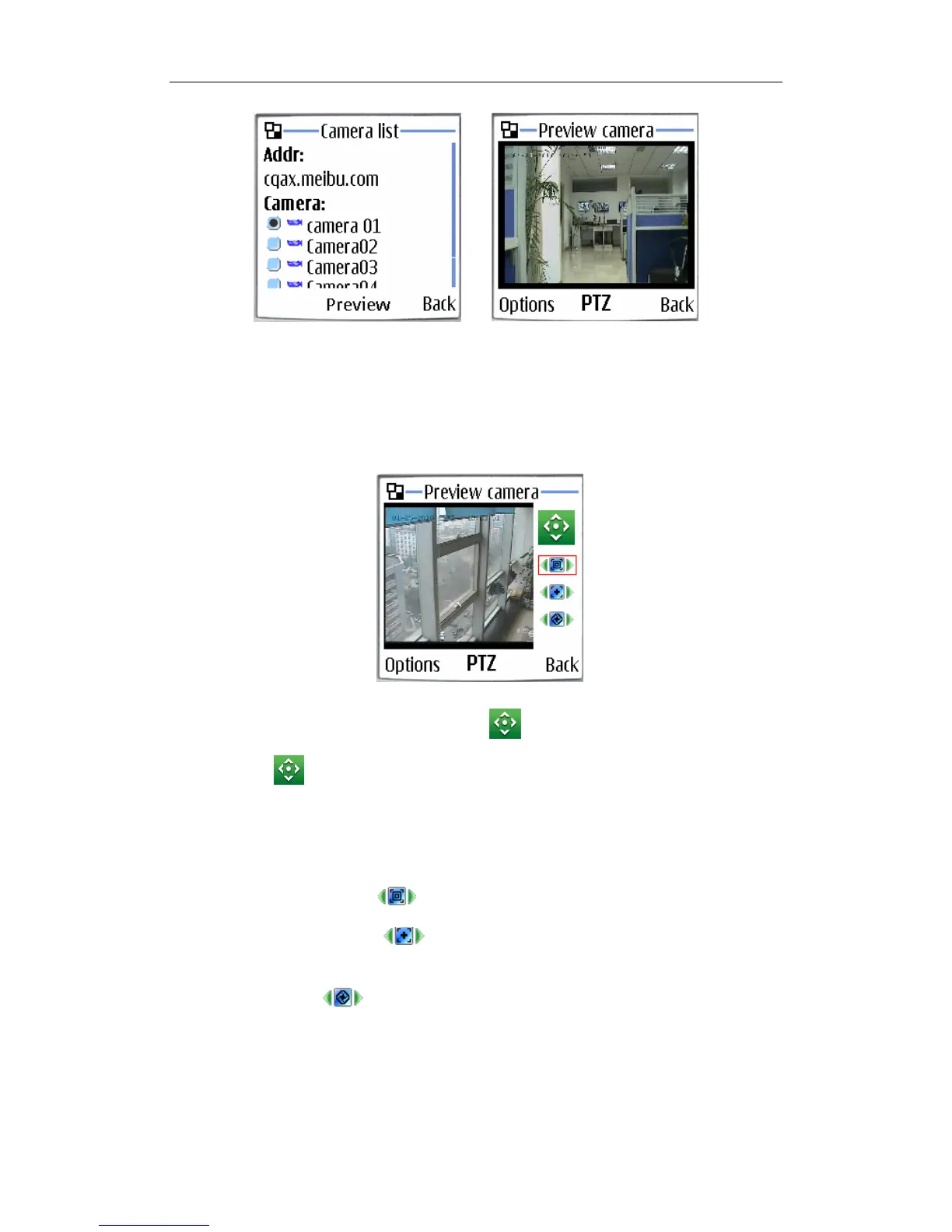
Press the “Options” button and select the “PTZ” button to enter the PTZ
control interface.
【Orientation control】: Select the button and press “OK”,it will
change into . After that, by pressing and holding the up, down, right and
left buttons, the PTZ camera will move up, down, right and left.
Note:
Please try button “5” on your phone if pressing “OK” does not work.
【Zoom +/Zoom–】: Control the zoom function of the PTZ camera.
【Focus+/Focus–】: Overrides the auto-focus setup of the PTZ
camera, adjust focus the image.
【Iris on/off】: Overrides the PTZ cameras auto-iris and brighten or
darken the image.
118



 To Next Page