DVR Server Manual
down or to the right to speed up.
Grab Picture: The captured pictures will be saved in the same path as
you set in system setup.
Save Record Data: Press this button to begin to save record data and
press it again to end.
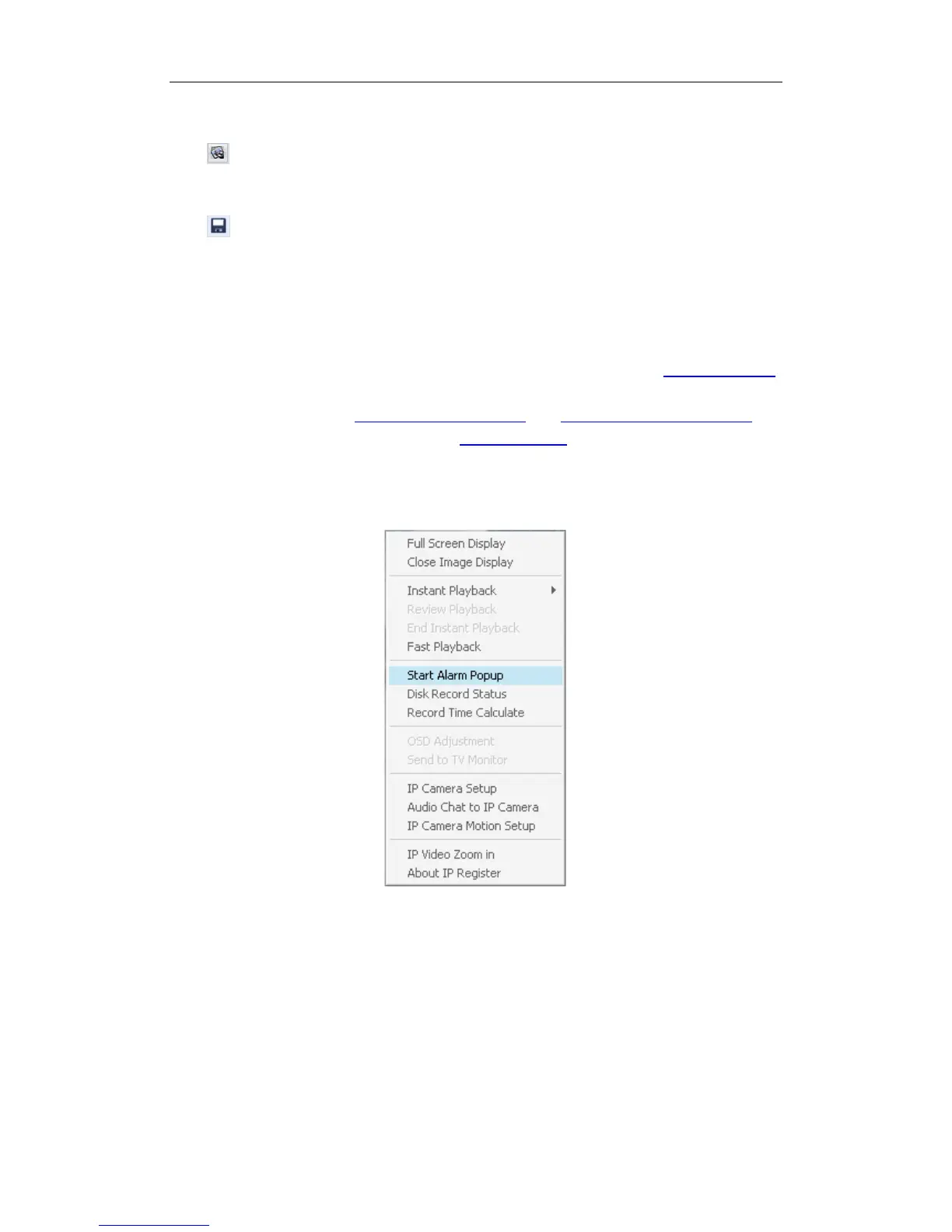
5. Start Alarm Popup
Single-Right-Click video image area in main interface and select “Start
alarm popup” after you set “Alarm camera popup interval” in System Setup,
otherwise, it can’t be selected with gray. After that when there is a motion
detection alarm (set in PTZ & Linkage Setup and Motion Detection Setup) or
an alarm triggered by sensor (set in Sensor Setup), system will display alarm
cameras in sequence. When you want to end this function, you can
Single-Right-Click video image area and select “Pause alarm popup”.
This function is also suitable for IP camera.
Note:
The five functions as above are suitable for both of the compression card
camera and the IP camera.
6. Disk Record Status
Click this item to view the disk record status of your PC.
23



 To Next Page