DVR Server Manual
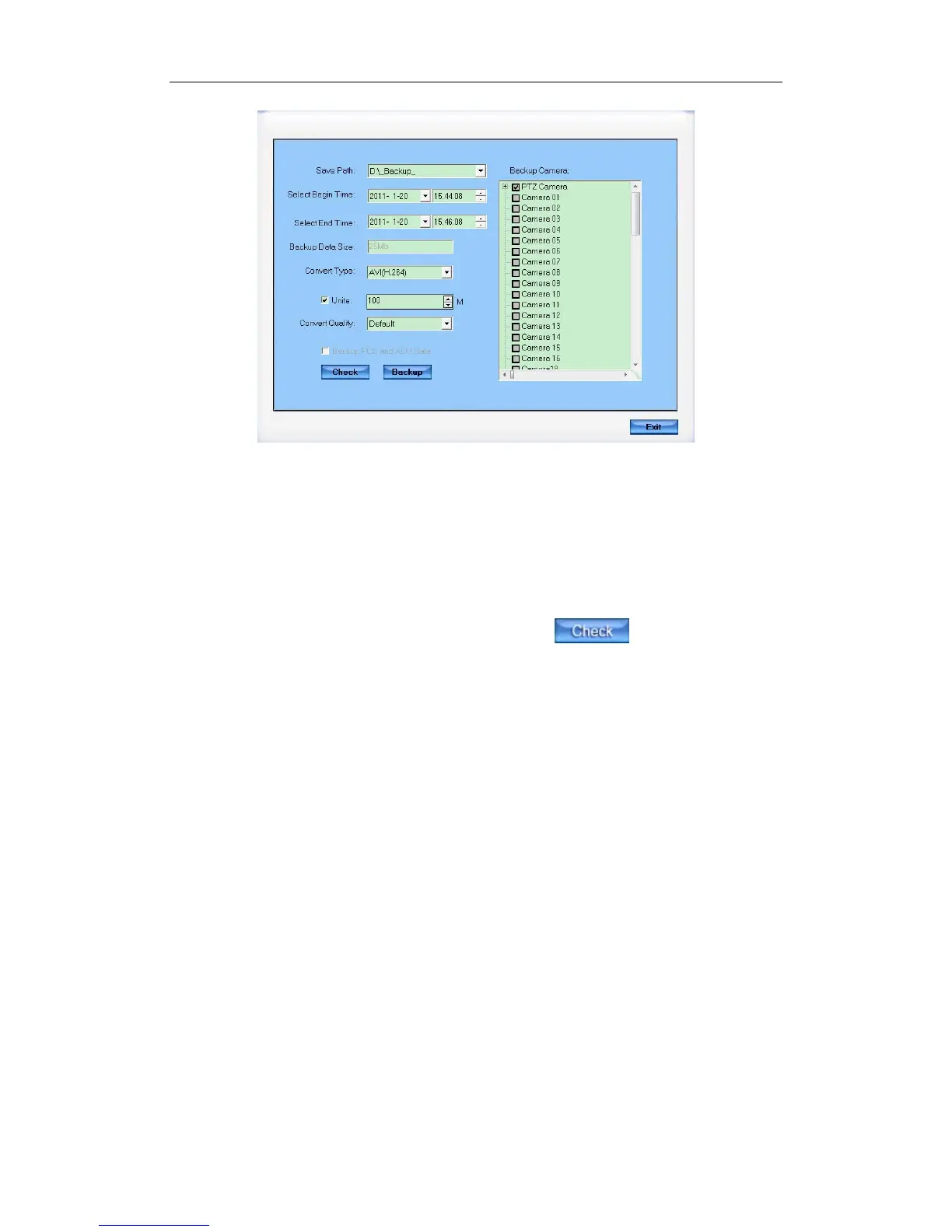
【Save Path】Select path for the backup file, User can backup record file
to CD.
【Backup Camera】Select the backup camera. User can select more than
one camera at one time.
【Select begin time】【Select end time】Select the beginning time and
end time of the file to backup.
You can check the file’s value by pressing button to show its
total value.
【Backup Data Size】Show the size of the backup file. If user backup
recording file to CD directly, the data size should not be more than 650M.
【Convert Type】There are three convert types: No Change, AVI (H.264)
and MSMPG4.
When “No Change” is selected and there is POS or ACU data, “Backup
POS and ACU Data” can be checked. Also, when “Backup POS and ACU
Data” is checked, “No change” will be selected as the default convert type. The
other two types can’t be selected.This type of backup data can only be played
by our player named player.exe. Only “No Change” supports backup audio to
the disk.
When there is POS data in the backup data, it will be played in a detached
window as below:
101



 To Next Page