DVR Server Manual
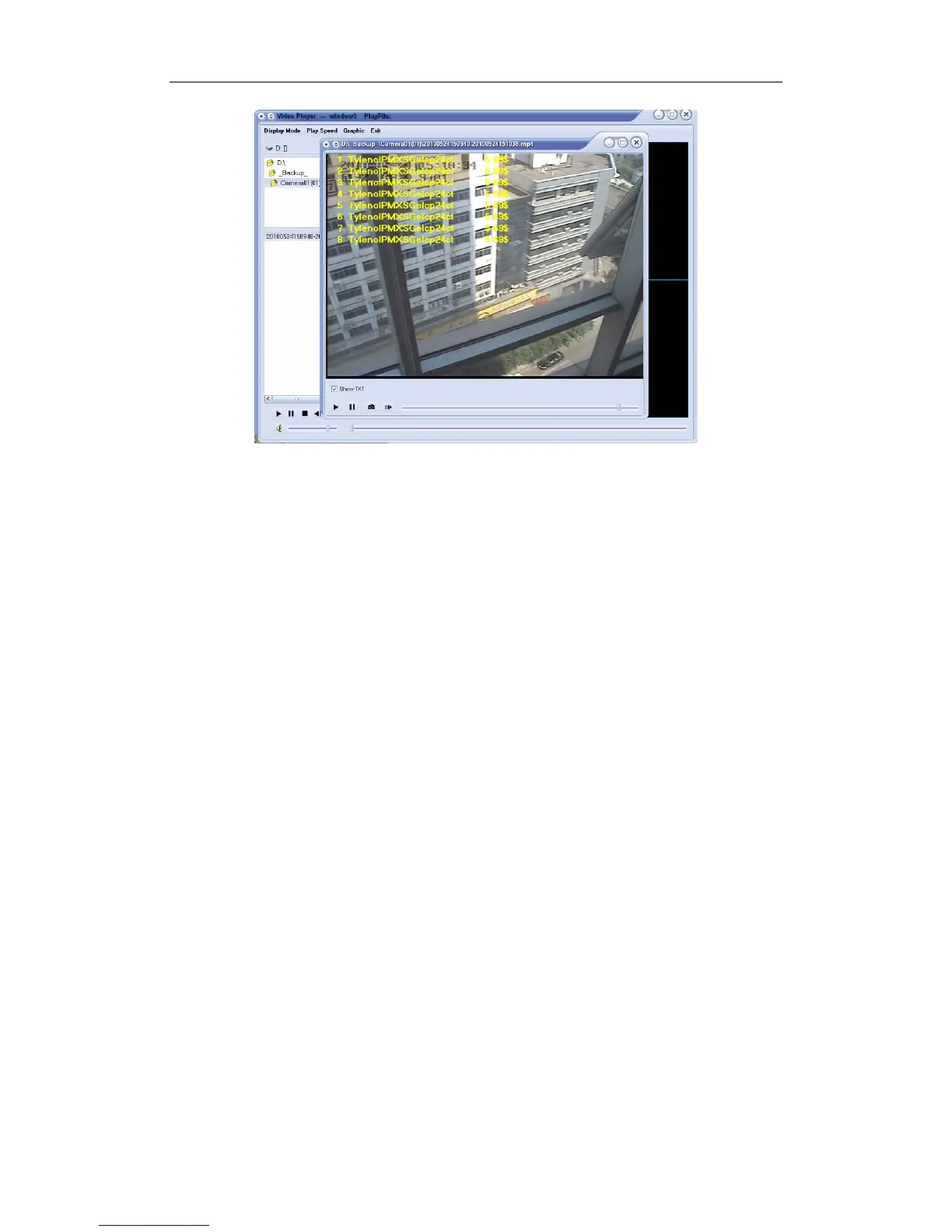
If AVI (H.264) is selected before backup, then, backup data can be played
by TV and DVD etc. without plugins.
If MSMPG4 is selected before backup, then, backup data can be played
by windows media player without plugins.
Note:
When AVI (H.264) or MSMPG4 is selected, the data can be united. The
size should be 50M to 500M. If you input a number out of the scope, for
example, less than 50M, then, it will be adjusted to be 50M. Of course, when
the number you input is more than 500M, then, it will be adjusted to be 500M.
The data is united according to the converted data. For example, suppose
the size is set to 50M, the source data is 76M and the converted data is 3M,
then, there will be only one .avi file in the backup folder.
Don’t forget to press “Check” button before you press “Backup”.
【Unite】Set the size for each file. You can set it to be 50M to 500M.
【Convert Quality】Select among High, Default and Low.
Note:
If user backup recording file to CD directly, the system disk volume’s(C
volume in general) free space should not less than twice of the backup data
size. Because system volume will be used buffer area when burn CD. For
example, if the backup data size is 450M, so, the system volume’s free space
should be more than 900M.
The process of burning CD:
1. Select the CD-ROM as backup path, and select the camera and time;
2. Check the backup file value;
3. Backup the file to the temporary file in the last volume if there is
enough free space. Otherwise, write backup file to the last second
102



 To Next Page