DVR Server Manual
Show Txt: show the txt on the screen (If you select txt overlay in the Cam
setup, the show txt is invalid.)
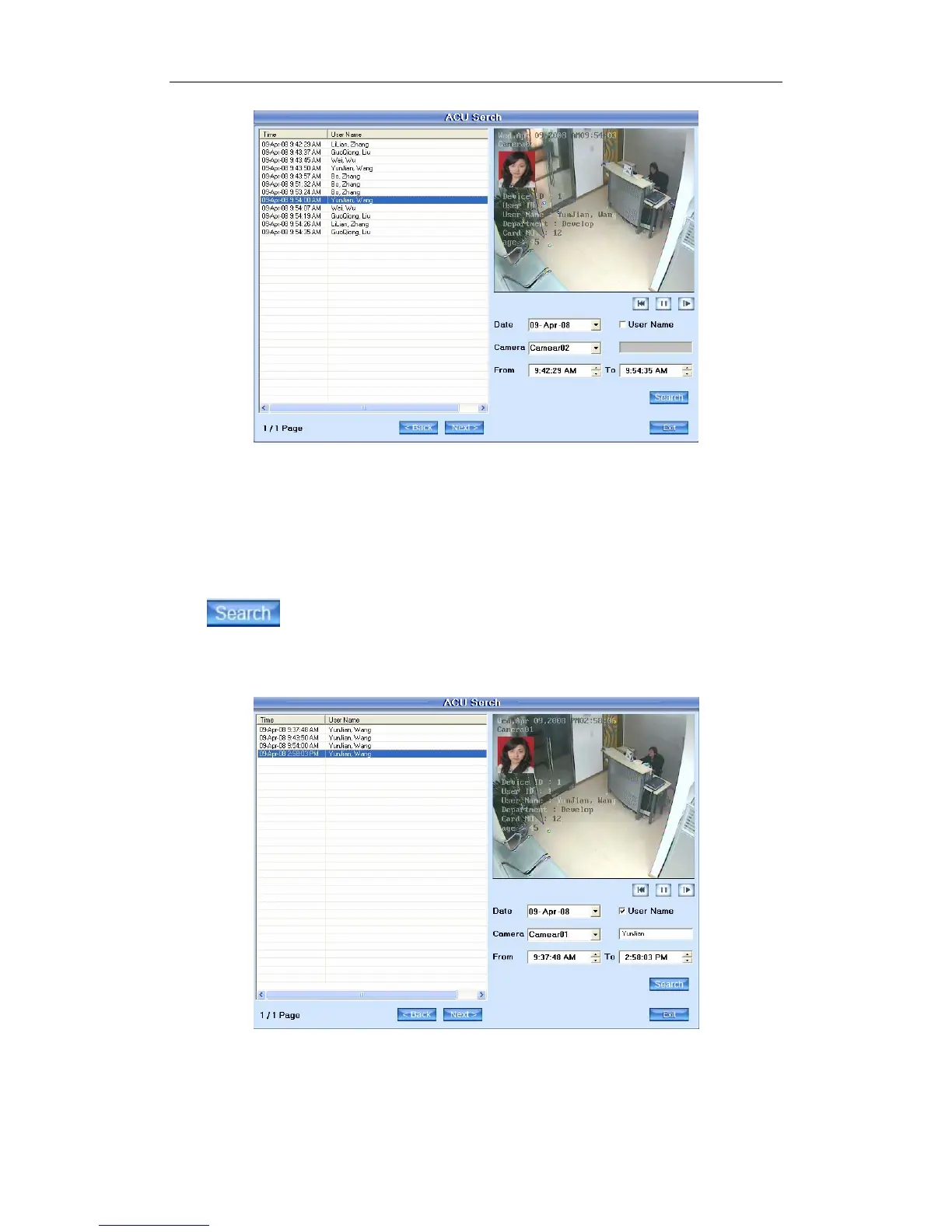
Data: Select the search data.
Camera: Select the search camera.
From...To: Select the begin time and the end time.
Press this button to search the record for the setting setup.
User Name: Search the ACU record with the name input in the blanks.
E.g.:
Input “YunJian” in the User Name, then press Search, the content will
display all the ACU messages with the user name “YunJian”.
107



 To Next Page