DVR Server Manual
of all cameras. To deny access, you can click the desired camera button and
the color will change from blue to gray.
【PTZ Control Right 】 Select the cameras that related PTZ can be
controlled by the user you are setting. The cameras you can select include the
cameras of local board cards and IP Cameras.
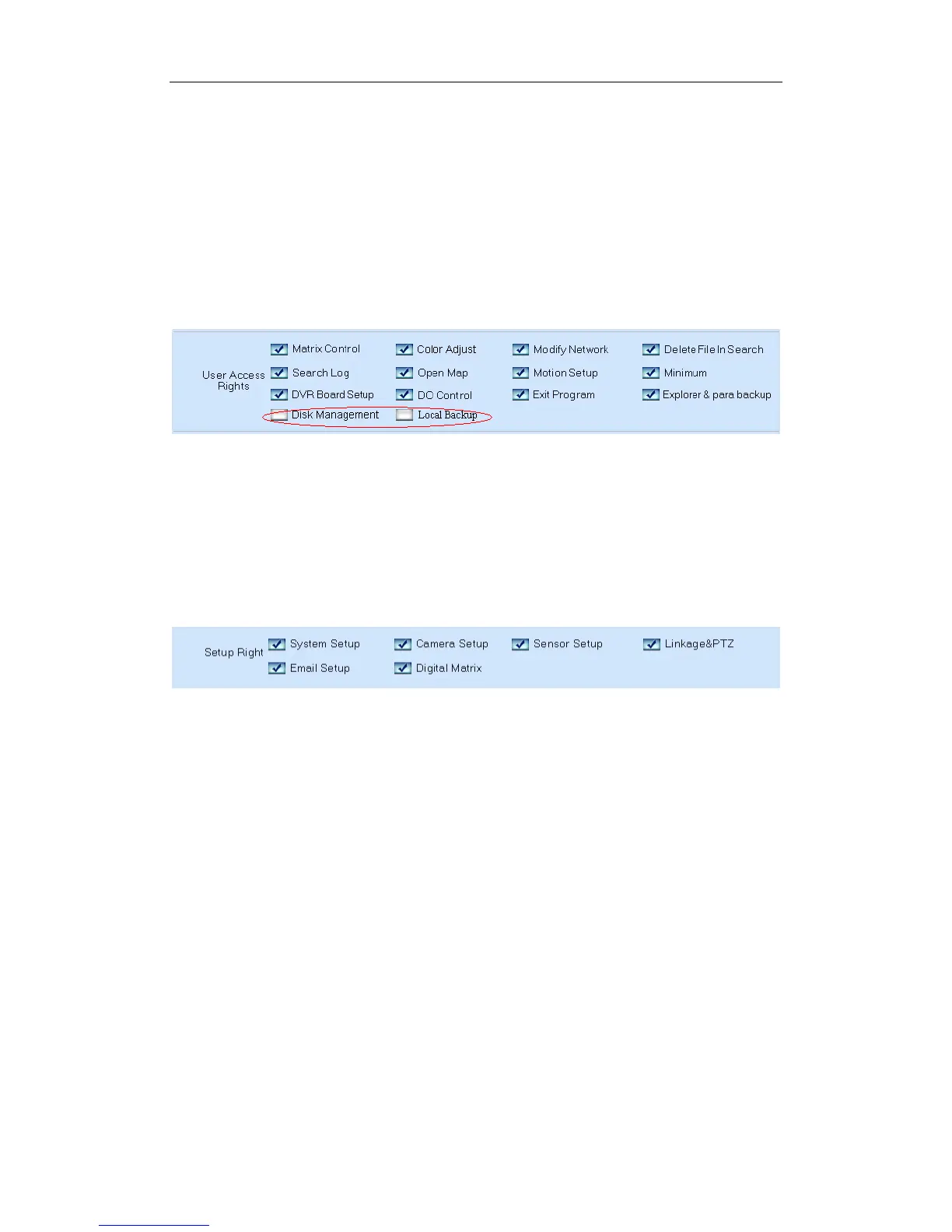
【User Access Right】Select operational tasks, granting or denying rights.
Operational tasks are normally reserved for administrative, privileged accounts.
Operators are rarely granted rights to adjust camera color, exit program,
explore files etc.
When manager doesn’t want some operators to manage disk or backup
data locally, he should not check the two rights for those users. For example,
“admin” doesn’t want “user” to own the two rights, he should select “user” first,
and click “Modify”, and then, check the “V” in front of “Disk Management” and
“Local Backup”.
【Setup Right】
Select setup rights to grant or deny user privileges.
80



 To Next Page