6-24
TIP: If you are using dynamically assigned IP addresses on your company network, add the
printer using the Host Name. This will preserve the printer connection even if the network
address changes.
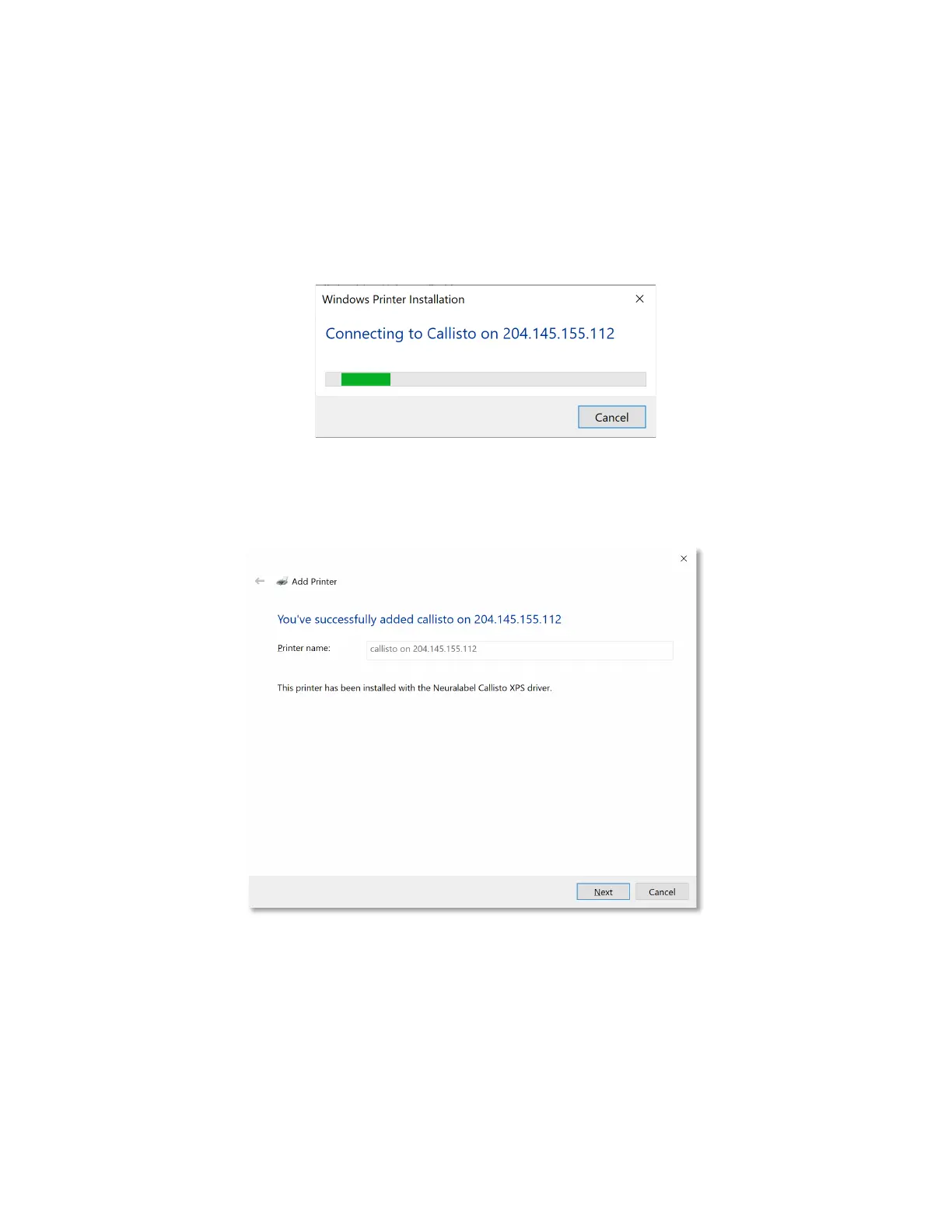
Figure 6-2. Printer Driver->Copy the Files
6. When complete, you will see the following screen.
Figure 6-3. Printer Driver->Successful Installation


 To Next Page
 Loading...