3.2 Display at Power “ON” and Initial Setting
3-9 ZM2371/ZM2372
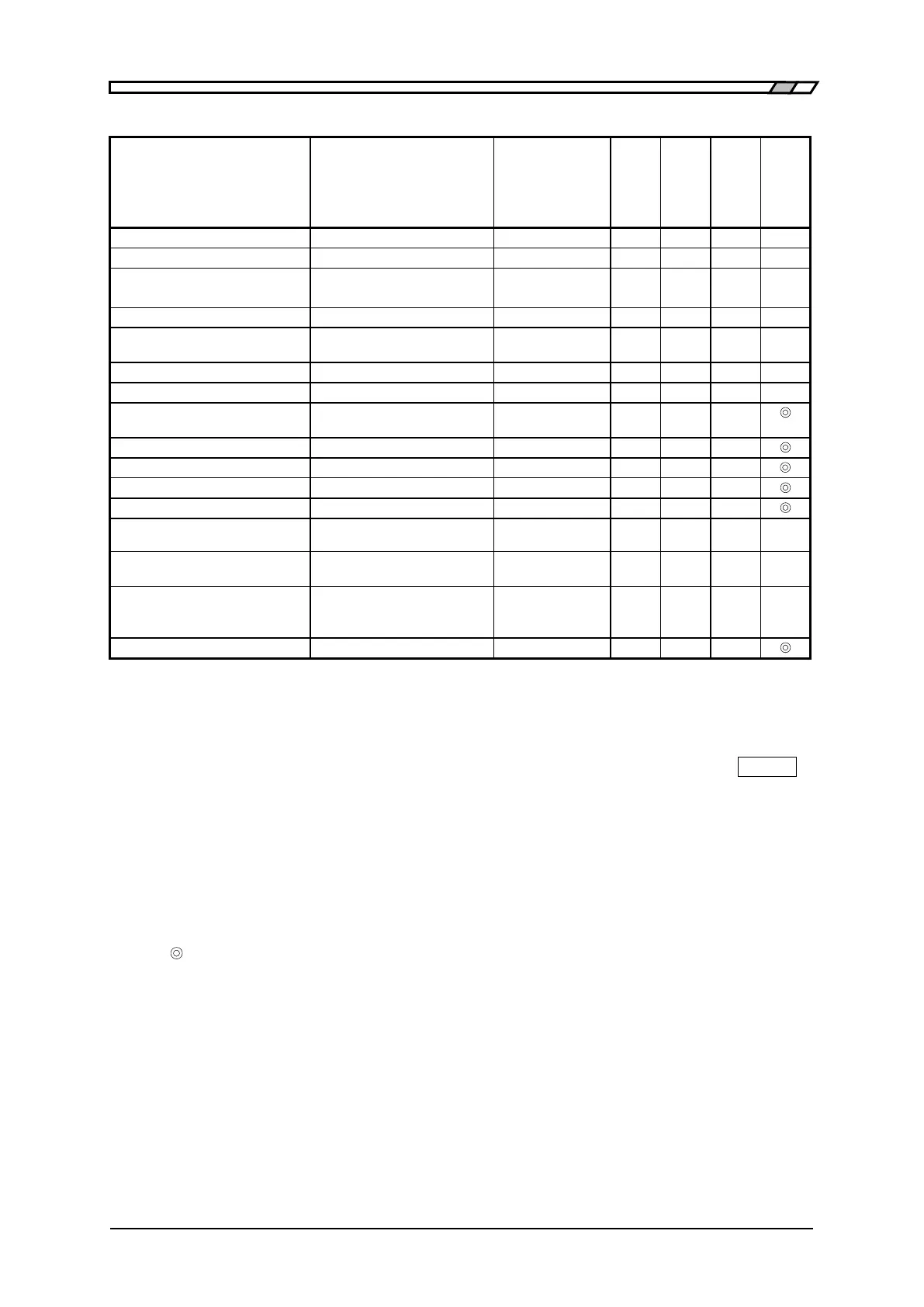
Table 3–1 Setting items and initial values 3/3
ASCII| Real (binary)|Packed
Primary parameter|
Secondary parameter|None
1 to 200, 1 to 200,
1 to 1000
USB|RS232|GPIB
(GPIB is for ZM2372 only)
<Settings & correction
value memories>
Recall target (excluding the
designation from handler
interface)
Settings|Correction
values|Both
Remarks
Initial values Set when device is shipped from factory, or when full initialization is
executed with the system setting menu.
INIT Set when initialization is executed with the initialize menu (
SHIFT
+
[INIT]).
*RST Set when *RST command of remote control is executed
← Same as left (initial values)
Function provided. However, it is saved not in the settings memory
but in the correction value memory.
× Function not provided. (No influence)
Function provided.
Function provided. However, it is saved independently from general
resume target ().
It cannot be set/query by the remote control.
The followings are out of the resume target:
・Measured data saved in the measured data buffer
・Latest measured data
・Range selected automatically
・Measurement parameters selected automatically
・Equivalent circuit selected automatically



 To Next Page