4.3 Sorting the Part (Comparator)
4-8 ZM2371/ZM2372
Setting the Comparator
The comparator function is set with the comparator setting menu.
_
SHIFT
_
+ [ COMPRTR ]
Press the
_
SHIFT
_
+ [COMPRTR] keys to display the comparator setting menu.
When limit comparison, L/U
Comparator function ON/OFF Comparison format of primary parameter
Comparator:OFF ABS Current setting
0)OFF 1)ON 2)DEV >NEXT Options (first page)
3)CLEAR 4)LIMIT <PREV Options (second page)
OFF Disables the comparator function (Bin sorting). (Initial value)
ON Enables the comparator function (Bin sorting).
DEV Displays the primary parameter deviation comparison menu for
comparator.
CLEAR Displays the comparator initializing menu.
LIMIT Displays the comparator upper/lower limit setting menu.
L/U Appears when primary or secondary parameter comparison function is
enables. The limit comparison function cannot be made enabled through
the panel. Turning on/off of comparator function disables the limit
comparison function of primary/secondary parameters.
If a setting is made or the EXIT operation is performed, the measurement screen comes
back.
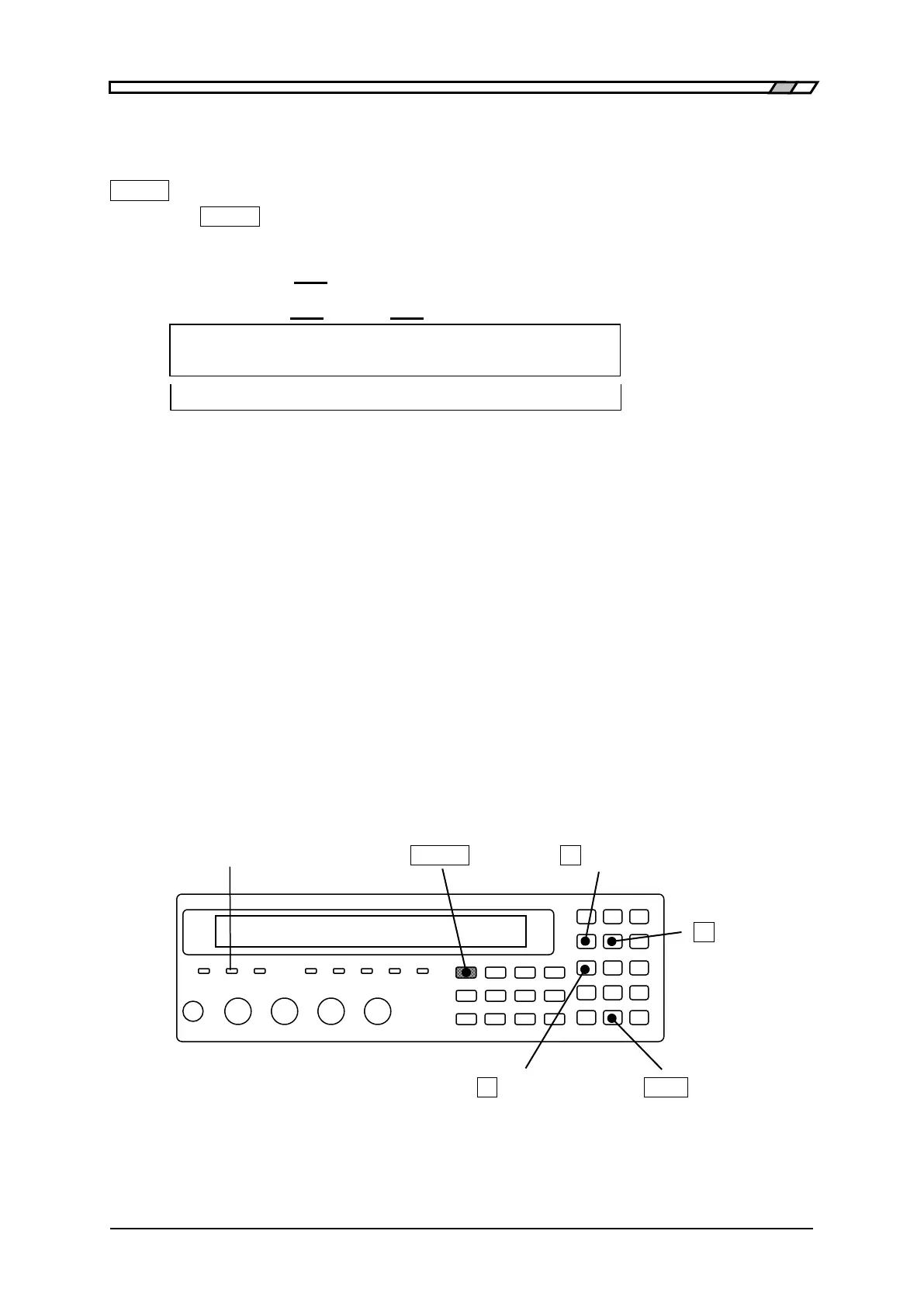
COMPRTR lamp
When the comparator function is enabled, the COMPRTR lamp on front panel lights up. It
also lights up when the limit comparison function is enabled.
COMPRTR lamp
_
SHIFT
_
_
4
_
| [COMPRTR]
_
5
_
| [Pri/Sec]
_
1
_
| [NO LIMIT]
_
EXP
_
| [SYSTEM]



 To Next Page