4.3 Sorting the Part (Comparator)
4-12 ZM2371/ZM2372
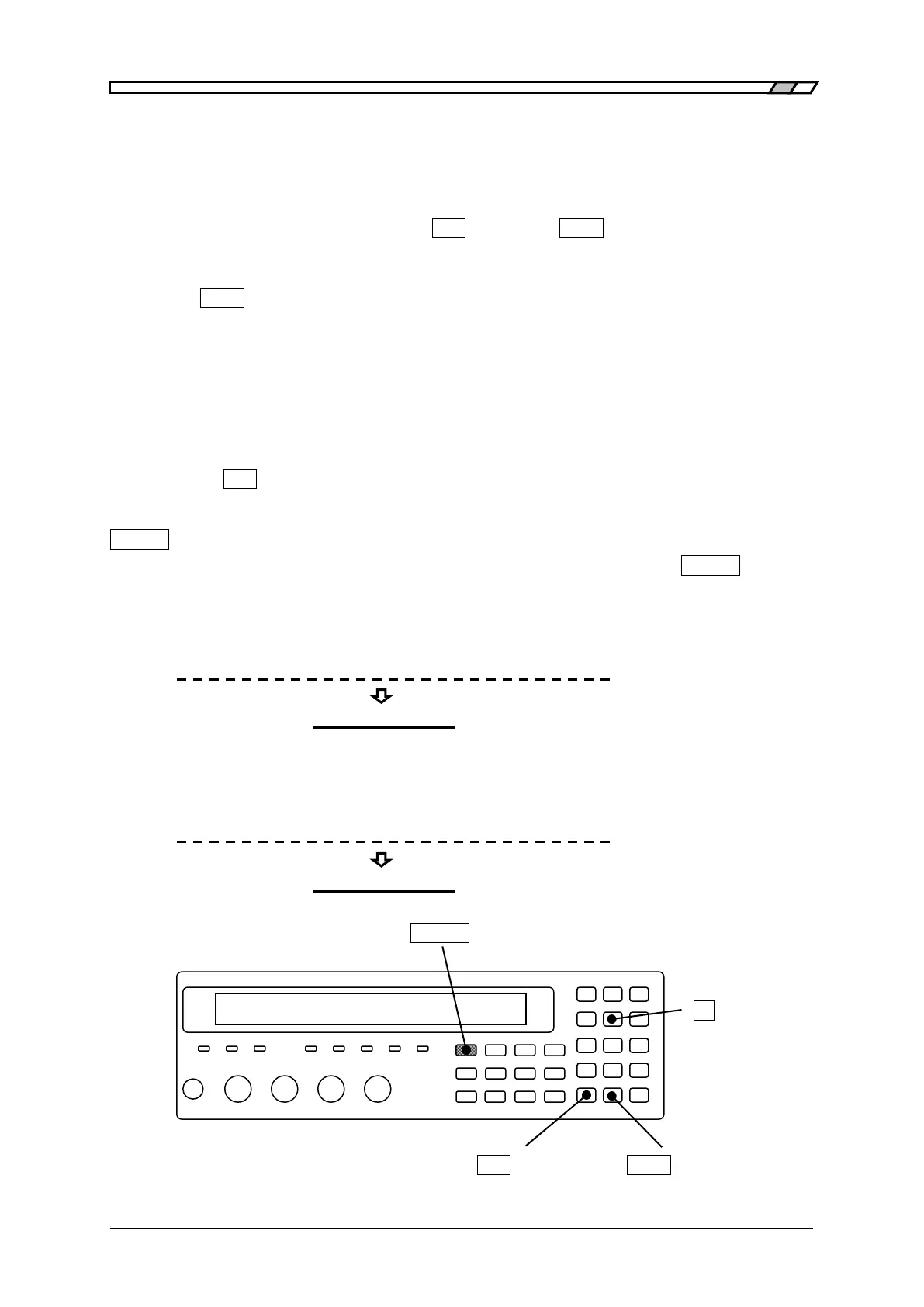
Moving the cursor in the comparator upper/lower limit value setting menu
The cursor is placed at the point of parameter to be set in comparator upper/lower limit
value setting menu. The initial cursor position is at lower limit value of BIN1.
The cursor can be moved by pressing the
_
BS
_
| [PREV] or
_
EXP
_
| [NEXT] key. It moves not
only between enable and disable of range comparison or between lower and upper limit
values but more the between Bins or between primary parameter and secondary parameter.
Press the
_
EXP
_
| [NEXT] key the cursor to be moved as below.
(Secondary parameter upper limit) → (BIN1 enabled → lower limit → upper limit)
→ (BIN2 enabled → upper limit → lower limit)
→・・・
→ (BIN14 enabled →upper limit→ lower limit)
→ (Secondary parameter enabled → lower limit→
upper limit) →(BIN1 enabled)
Pressing the
_
BS
_
| [PREV] key causes the cursor to be moved in the reversed order.
_
SHIFT
_
+ [ Pri/Sec ]
With the comparator upper/lower limit value setting menu, pressing the
_
SHIFT
_
+
[Pri/Sec] keys causes the cursor to be moved between primary and secondary parameter.
When switched from primary parameter (BIN) into secondary parameter, the cursor
moves to the lower limit value of secondary parameter.
BIN10 ON Lo:+1.23456µF Hi:+1.23456µF
Sec OFF Lo:+10.0000µ Hi:+1.23456m
When switched from secondary parameter into primary parameter (BIN), the cursor
moves to the lower limit value of BIN1.
Sec OFF Lo:+10.0000µ Hi:+1.23456m
BIN1 ON Lo:+1.23456µF Hi:+1.23456µF
_
SHIFT
_
_
5
_
| [Pri/Sec]
_
BS
_
| [PREV]
_
EXP
_
| [NEXT]



 To Next Page