DISPLAY AND MENU OPTIONS
USER MENU
The User Menu consists of several items which
can be modied using the Smart DC Controller
buttons. Refer to "Using the Smart DC Controller
Buttons In Menu Mode" on page 37.
To access the User Menu, take the following steps:
1. At a gate status display, press the MENU
button. The operator status displays scroll past
and the CLOSE TIMER display appears.
2. Press the NEXT button to cycle through the
available menu items.
3. Review "Table 9. Smart DC Controller - User
Menu Functions" on page 44 which supplies
the factory defaults for the User Menu items
and references the hard-wire connections.
In the pages that follow, a detailed view of the
more commonly used menus is provided:
z Adjusting the Close Timer
z Setting the Time & Date
z Setting the AC Power Loss Gate Function
z Adjusting the Display Contrast
For information on how the menu buttons
function, review "Using the Smart DC Controller
Buttons In Menu Mode" on page 37.
NOTICE
To bypass the operator status displays and
access the User Menu, you can press the MENU
button.
ADJUSTING THE CLOSE TIMER
The close timer assigns how many seconds will
pass before the operator initiates automatic
closure of a fully opened gate after all open
commands and reversing sensor inputs have
ceased. Every gate operator should have the close
timer set to a specic number of seconds unless
a hard-wired closing device is connected to the
unit such as a push button station.
To adjust the time (1 to 99 seconds) it takes
before the operator initiates gate closure, take
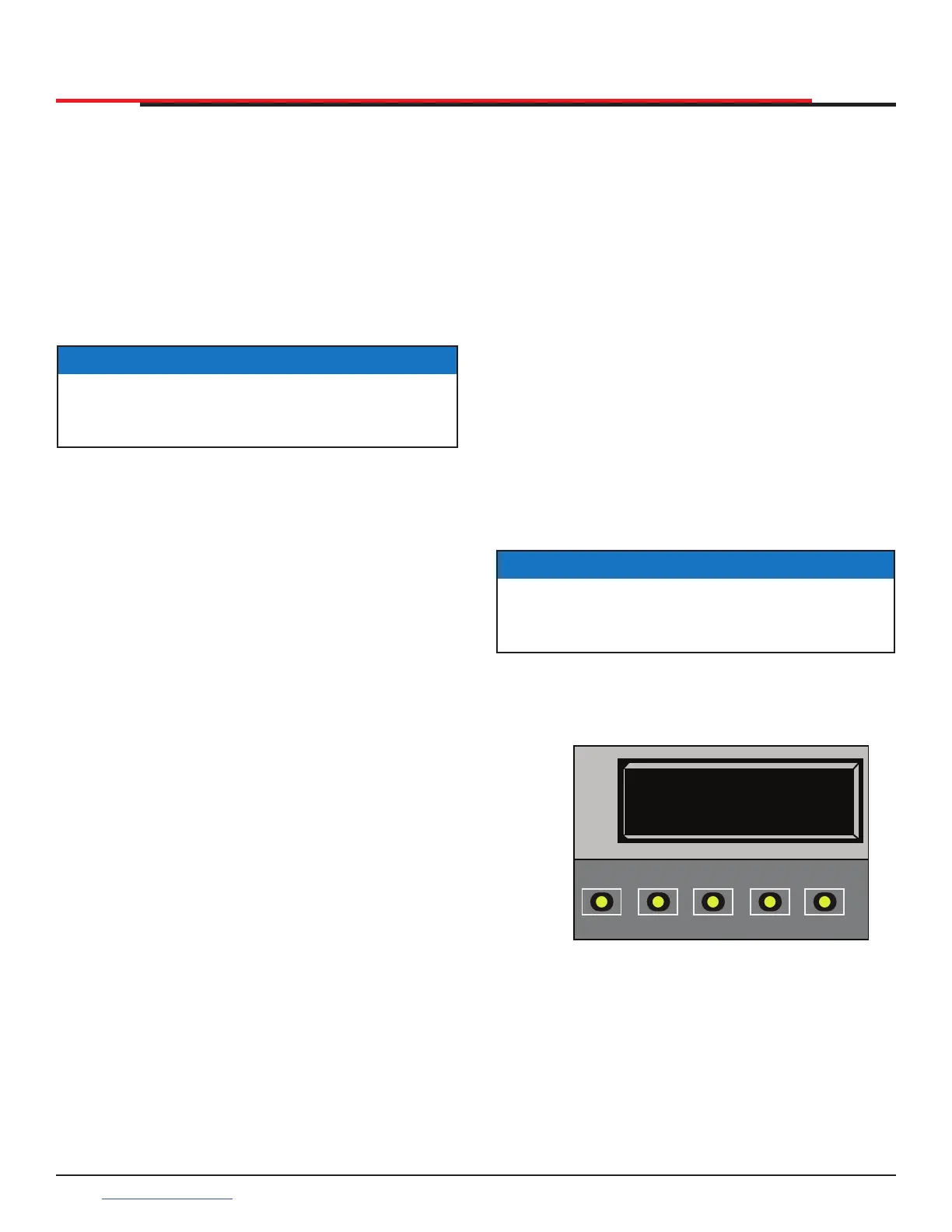
the following steps and see Figure 35:
1. At a gate status display, press the MENU
button twice. This accesses the User Menu and
the CLOSE TIMER display appears.
2. Use the SELECT, and then NEXT or PREV
buttons to navigate and change the number
on the display.
3. To exit the User Menu, press the MENU
button. The gate status appears in the display
indicating you have returned to Run Mode.
Figure 35. CT 0 (OFF) Close Timer
NOTICE
Keep the close time at zero if gate personnel
operate the gate or the owner plans to use a
remote control.
CT 0 (OFF)
CLOSE TIMER
OPEN
CLOSE
STOP
MENU
RESET
PREV
NEXT
SELECT
SlideSmart HD Programming and Operations
4040
support.hysecurity.com



 To Next Page