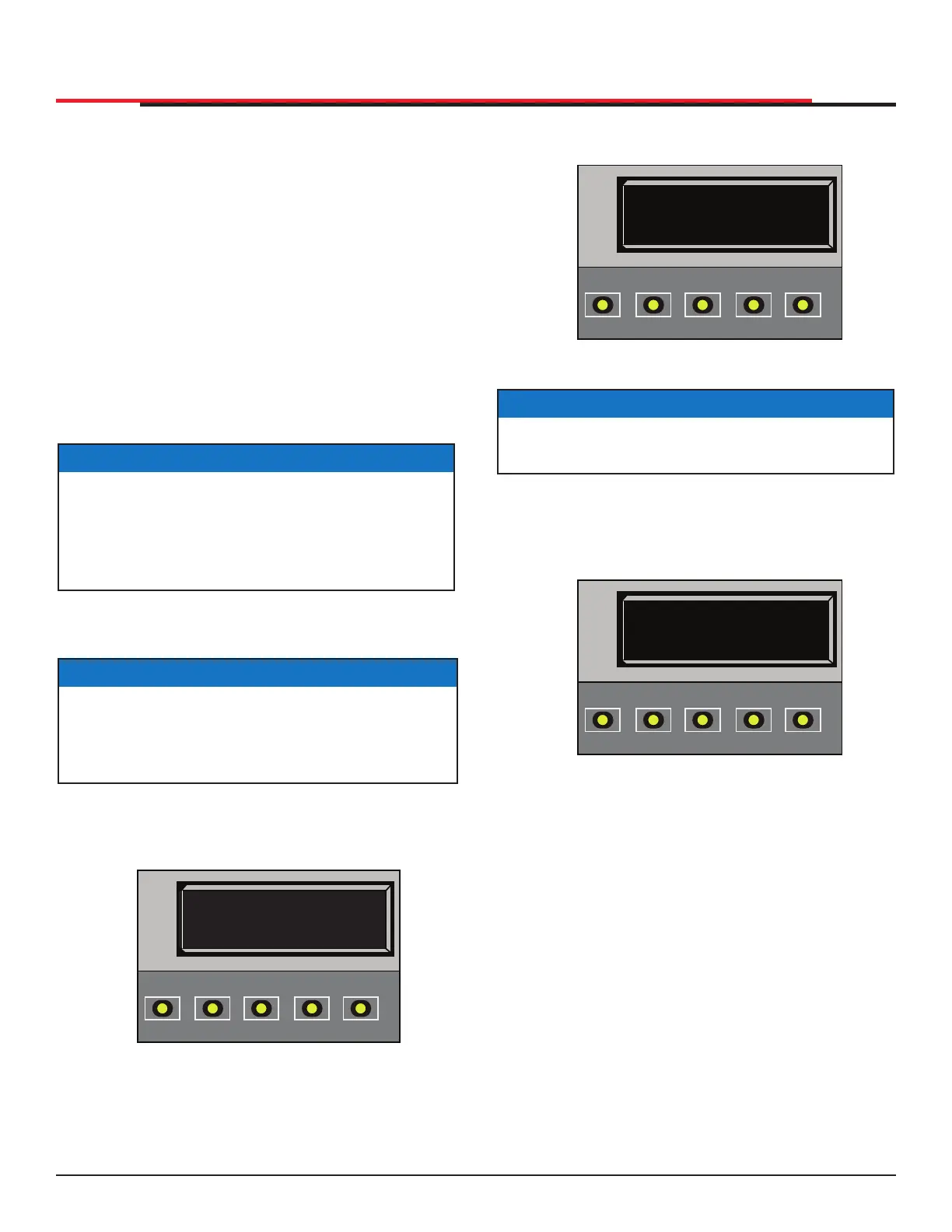
2. To access the Installer Menu simultaneously
press OPEN and RESET. See Figure 40
Figure 40. Close Timer
3. Release buttons and LEARN LIMITS display
appears indicating Installer Menu access.
LEARN LIMITS display is first item in the
Installer Menu. See Figure 41.
Figure 41. Learn Limit
In the following pages, a detailed view of the more
commonly used menus is provided.
z Resetting the OPEN & CLOSE limits
z Adjusting the Gate Speed
z Adjusting the IES Sensitivity
z Enabling the Fire Department Override
z Reinstating Factory Defaults
"Table 10. Smart DC Controller - Installer Menu
Functions" on page 54 describes Installer
Menus, supplies factory defaults, and references
hard-wire connections. For information on how
menu buttons function, review "Using the Smart
DC Controller Buttons In Menu Mode" on page
37.
CT 0 (OFF)
CLOSE TIMER
OPEN
CLOSE
STOP
MENU
RESET
PREV
NEXT
SELECT
NOTICE
The CLOSE TIMER display appears indicating
you have accessed the User Menu.
LL 0 (OFF)
LEARN LIMIT
OPEN
CLOSE
STOP
MENU
RESET
PREV
NEXT
SELECT
DISPLAY AND MENU OPTIONS
INSTALLER MENU
The Installer Menu consists of several functions
which can be modified using the Smart DC
Controller buttons or congured through the use
of a laptop computer and the START software
available from the HySecurity website.
The Installer Menu options provide more advanced
configurations for the SlideSmart operator.
Access to the Installer Menu is through the User
Menu. The navigational buttons are the same
in both menu modes. To review how to use the
navigational buttons on the Smart DC Controller,
refer to "Using the Smart DC Controller Buttons
In Menu Mode" on page 37.
To access the Installer Menu, take the following
steps:
1. Start at a gate status display. To bypass the
Operator Status Displays, press the MENU
button twice. See Figure 39.
Figure 39. HySecurity Gate Closed
NOTICE
To access the User or Installer Menus, the
operator must be in Run Mode with a gate
status showing on the display. The motor
cannot be engaged and the gate cannot be
moving.
NOTICE
The menu items, Usage Class, Gate Handing,
and Gate Weight must be congured before the
operator will function. Refer to "Programming
the Initial Setup Menu" on page 23.
HYSECURITY
GATE CLOSED
OPEN
CLOSE
STOP
MENU
RESET
PREV
NEXT
SELECT
SlideSmart HD Programming and Operations
4747
MX4435 Rev.G ©2022



 To Next Page