DISPLAY AND MENU OPTIONS
ADJUSTING GATE SPEED
The gate speed can be increased or decreased a ¼
foot per second from the operator’s default speed.
To adjust the gate speed, take the following steps
and see Figure 43:
1. At a gate status display, press the MENU button
twice. The CLOSE TIMER display appears.
2. Simultaneously, press the OPEN and RESET
buttons to enter the Installer Menu. Release
the buttons and the LEARN LIMITS display
appears. It is the rst item in the Installer Menu.
3. Press NEXT until the OPEN SPEED (or CLOSE
SPEED) display appears. Select the desired
setting based on the operator type:
SlideSmart HD15F, HD25, HD30 0 = 0.75 ft/s
1 = 1.0 ft/s
(Usage Class 3 & 4 only) 2 = 1.25 ft/s
4. Use the SELECT and NEXT buttons to navigate
and change the speed setting on the display.
5. To exit the Installer Menu, press the MENU
button. The gate status appears in the display
indicating you have returned to Run Mode.
NOTICE
Two options, one for OPEN SPEED the other
for CLOSE SPEED, appear in the Installer
Menu. The steps involved in changing the
open speed are shown below. The steps to set
the close speed are the same, you just need
to access the CLOSE SPEED option.
NOTICE
Certain speeds are allowed only when the
operator’s Usage Class is set appropriately.
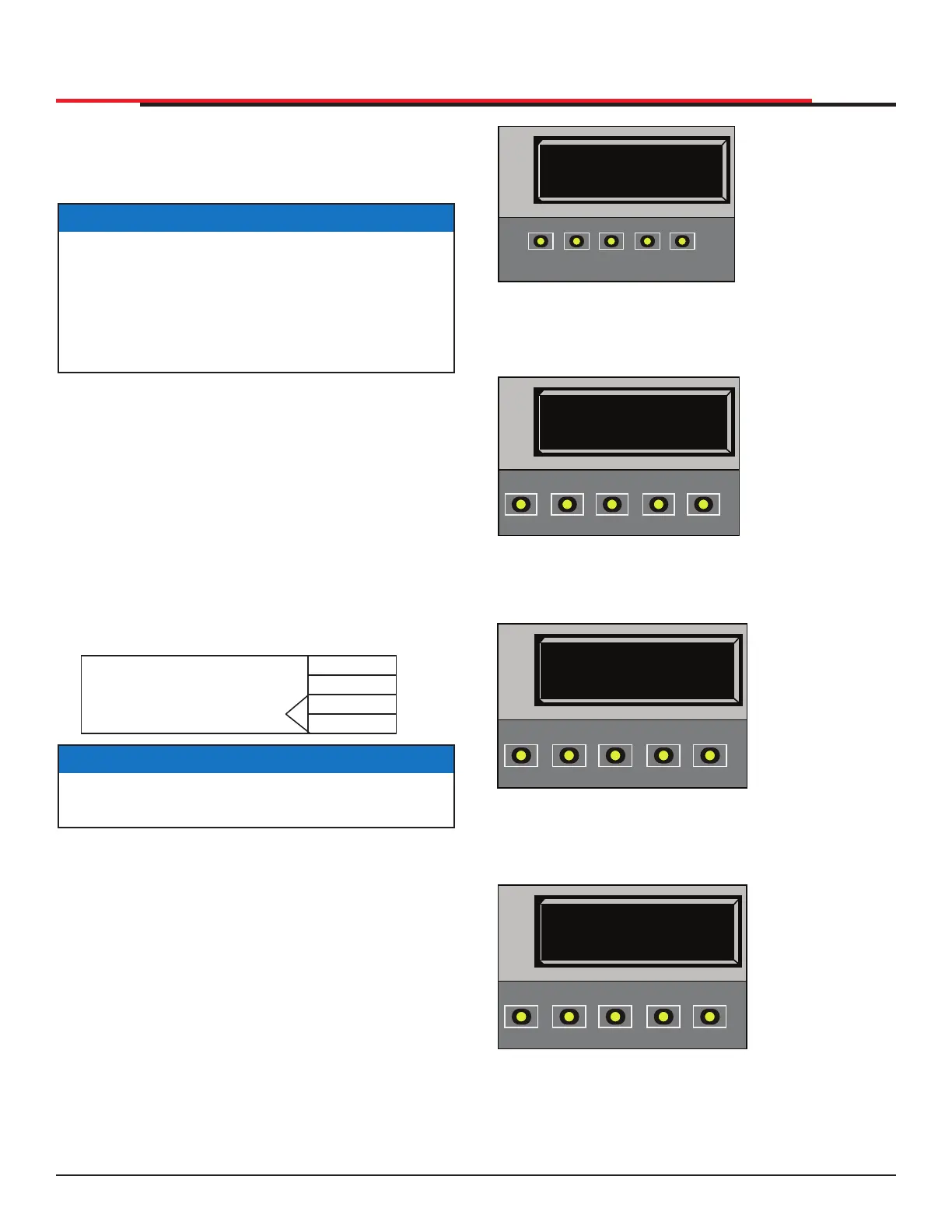
Figure 43. Adjusting Gate Speed
CT 0 (OFF)
CLOSE TIMER
OPEN
CLOSE
STOP
MENU
RESET
PREV
NEXT
SELECT
HYSECURITY
GATE CLOSED
OPEN
CLOSE
STOP
MENU
RESET
PREV
NEXT
SELECT
1. Start at a gate
status display.
2. To access the
User Menu,
press the MENU
button twice.
3. Access the
simultaneously,
pressing the
OPEN and
RESET
buttons.
4. Use NEXT to
navigate to the
menu display.
Change the
setting using the
SELECT and
NEXT buttons.
OS 5
OPEN SPEED
OPEN
CLOSE
STOP
MENU
RESET
PREV
NEXT
SELECT
LL 0 (OFF)
LEARN LIMIT
OPEN
CLOSE
STOP
MENU
RESET
PREV
NEXT
SELECT
SlideSmart HD15F, HD25, HD30 0 = 0.75 ft/s
1 = 1.0 ft/s
2 = 1.25 ft/s
3 = 2.25 ft/s
(Usage Class 3 & 4 only)
SlideSmart HD Programming and Operations
4949
MX4435 Rev.G ©2022



 To Next Page