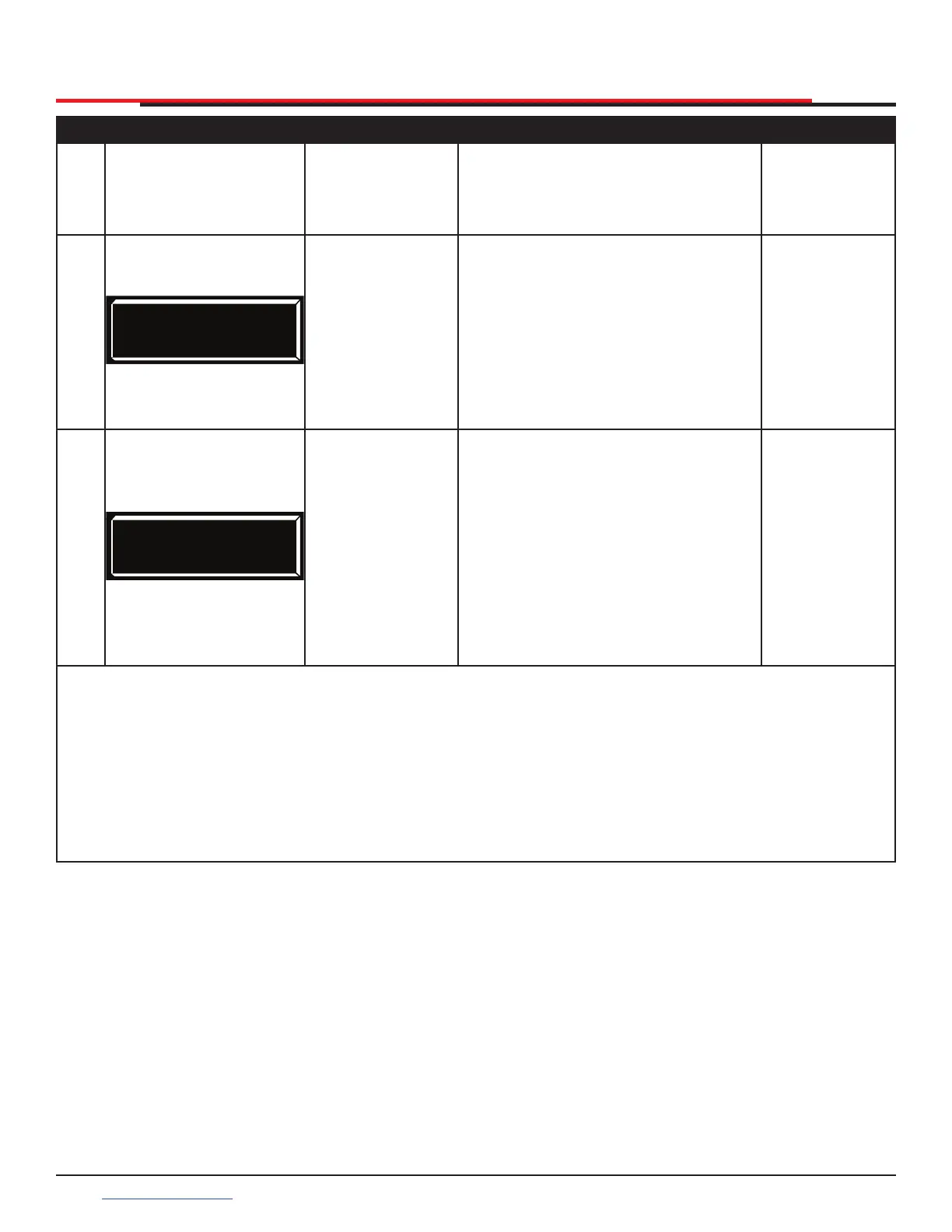
Table 9. Smart DC Controller - User Menu Functions
Ref.
No.
User Menu
Display
Setting Options
(Bold = Factory
Settings)
Menu Tasks and Explanations
Associated
DC Controller
Connections
10
LG 0 (OFF)
VIEW EVENT LOG
0 = off
1 = on
With v5.53 (or later) software, you
can set LG to 1 and view abbreviated
event logs on the display. These
messages are helpful for diagnostic
purposes and reviewing the gate
operator’s event history. Over 300
events can be logged before the
software begins overwriting the
existing history.
(N/A)
11
DS 0 (OFF)
DIAGNOSTIC LOGS
0 = off (standard)
1 = on (detailed)
Set this item to 1 to record all gate
operator open and close events,
in addition to normal alert, fault
and error logs. This parameter
automatically resets to the default 0
(off ) after 24 hours, which is useful
when experiencing intermittent
problems. Set to 0, DC Controller
logs pertinent gate operator events
such as faults, errors, or menu
manipulation.
USB or
RS232 cable
and laptop
computer with
HySecurity’s
free START
software is
required to
read log le.
Table Notes:
The following conditions apply to the indicated reference-numbered menu selections:
Table Note 1:
For gate operators using Type D entrapment protection, an automatic closing device (such as a
timer, loop sensor, or similar device) shall not be employed.
Table Note 2:
WARNING: Do NOT cut the wires to the buzzer or unplug it as the operator will not be in
compliance with UL 325. Failure to comply may result in serious injury or death.
DISPLAY AND MENU OPTIONS
SlideSmart HD Programming and Operations
4646
support.hysecurity.com



 To Next Page