88
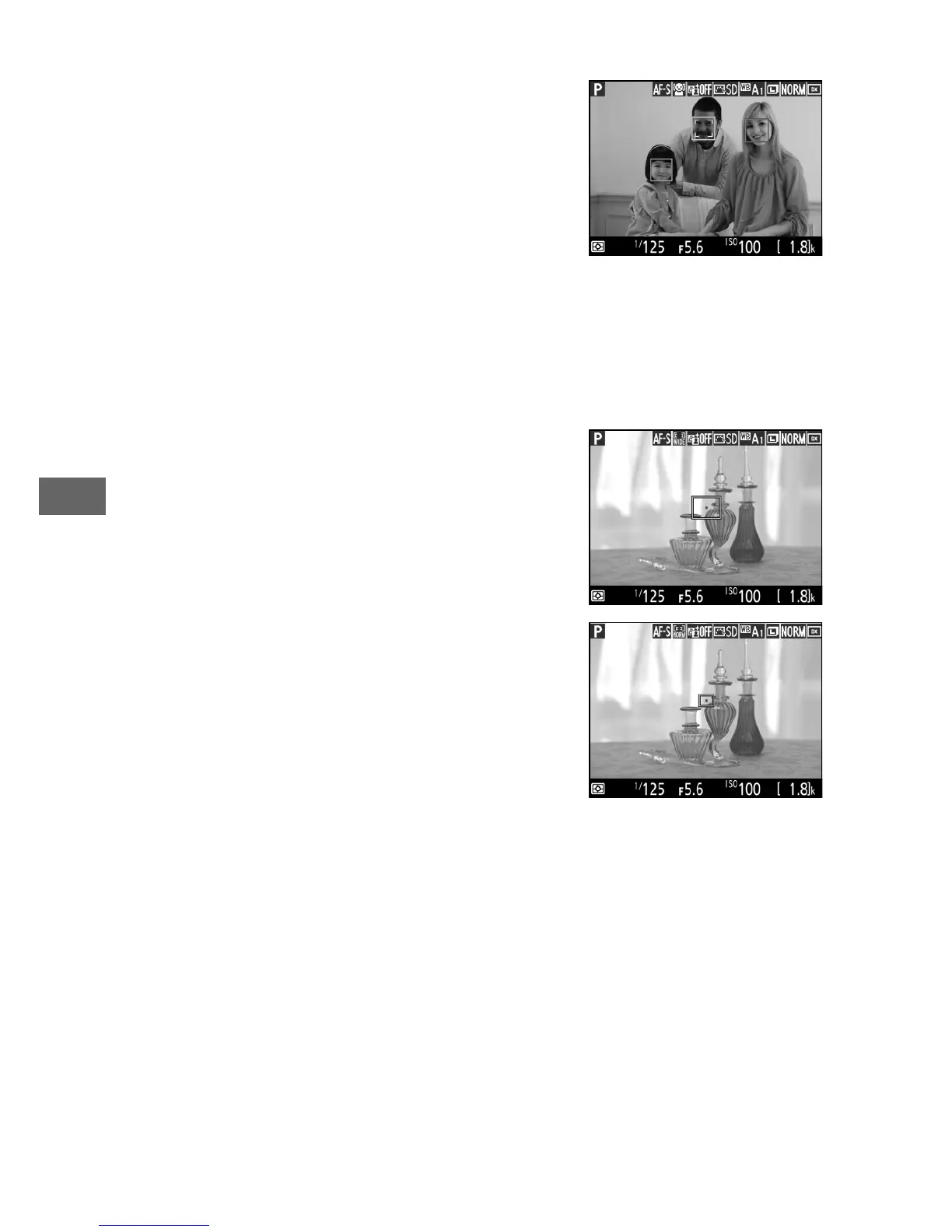
The following AF-area modes can be selected during live view:
• ! Face-priority AF: Use for portraits.
The
camera automatically detects and
focuses on portrait subjects; the
selected subject is indicated by a
double yellow border (if multiple faces
are detected, the camera will focus on
the closest subject; to choose a
different subject, use the multi selector). If the camera can no
longer detect the subject (because, for example, the subject
has turned to face away from the camera), the border will no
longer be displayed.
• $ Wide-area AF: Use for hand-held shots
of landscapes and other non-portrait
subjects.
• % Normal-area AF: Use for pin-point focus
on a selected spot in the frame.
A
tripod is recommended.



 To Next Page