252
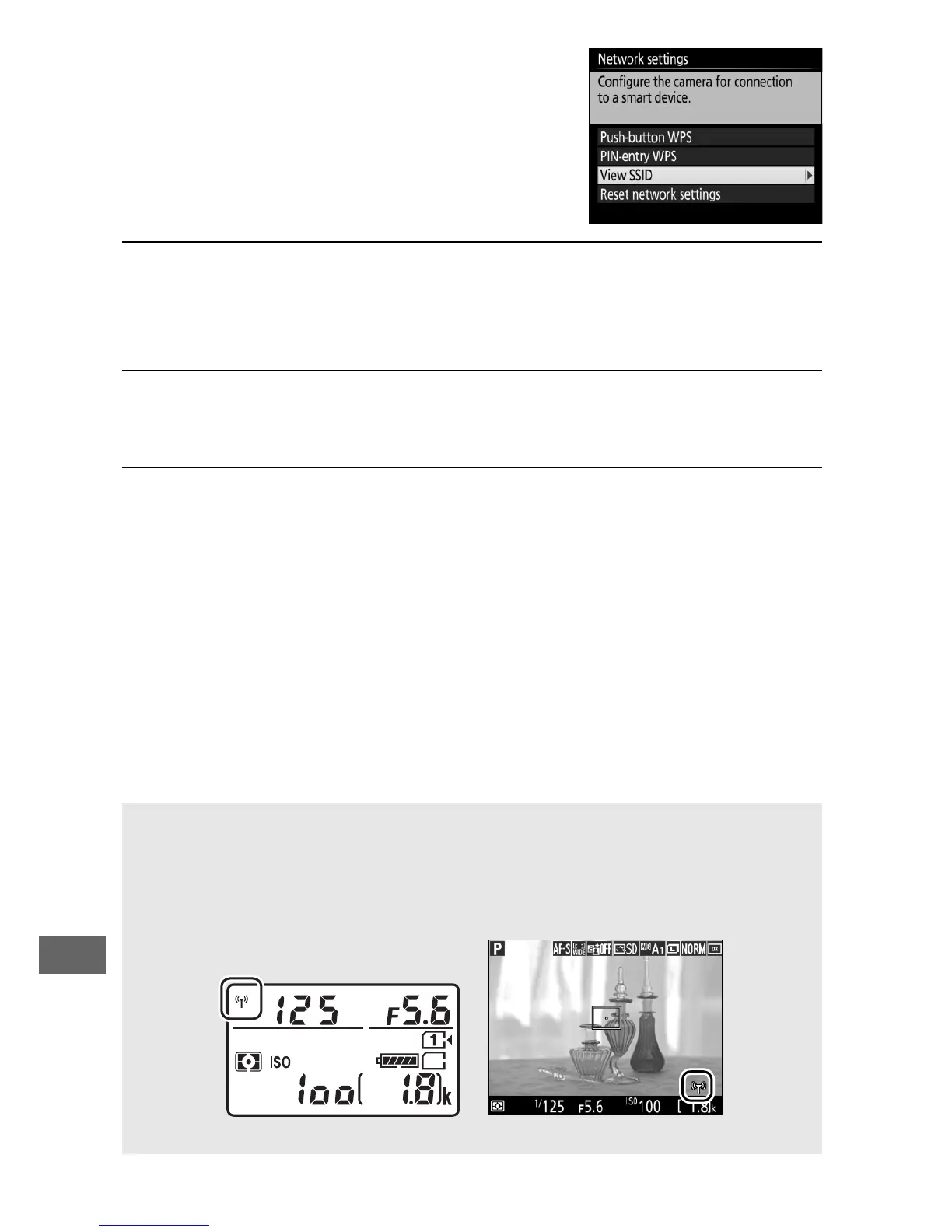
Highlight View SSID and press 2.
3 Select the camera SSID.
On the smart device, choose Settings > Wi-Fi and select the
camera SSID to connect via Wi-Fi.
4 Launch the Wireless Mobile Utility.
Launch the Wireless Mobile Utility on the smart device.
5 Enable wireless security.
The connection will initially be unprotected by passwords or
other security features.
Enable security using the Wireless
Mobile Utility on the smart device (0 257).
A The Wi-Fi Display
While Wi-Fi is enabled, a g icon will flash in the display.
The icon will
stop flashing once a connection has been established and the camera
is exchanging data with the smart device.
Control panel Monitor



 To Next Page