193
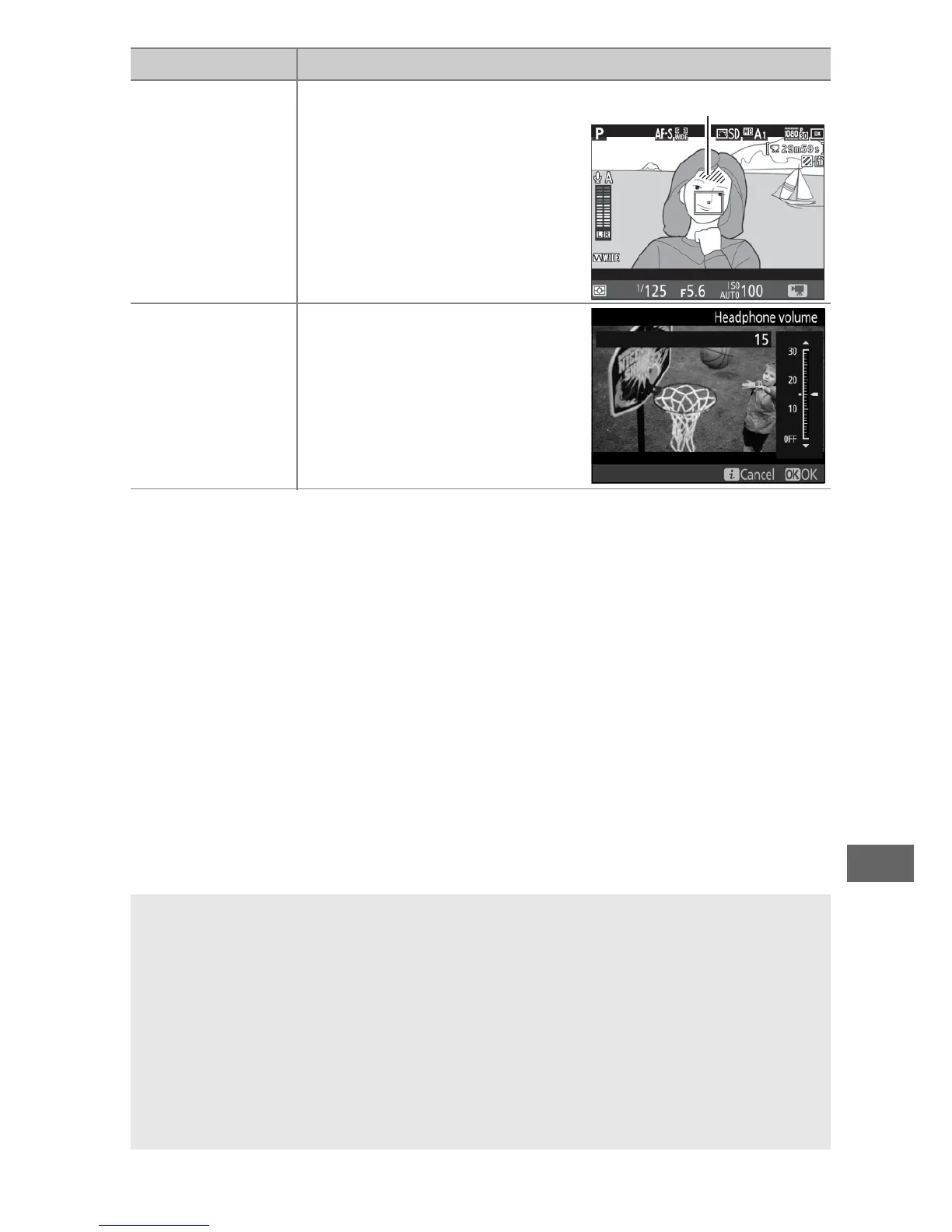
Highlight display
Choose whether the
brightest areas of the frame
(highlights) are shown by
slanting lines in the live
view display.
To access this
option, select mode P, S, A,
or M.
Headphone
volume
Press 1 or 3 to adjust
headphone volume.
A Using an External Microphone
The optional stereo microphone can be used to record sound in stereo
or to avoid recording focus noise and other sounds made by the lens
(0 319).
A Headphones
Third-party headphones can be used.
Note that high sound levels may
result in high volume; particular care should be taken when
headphones are used.
Option Description



 To Next Page