97
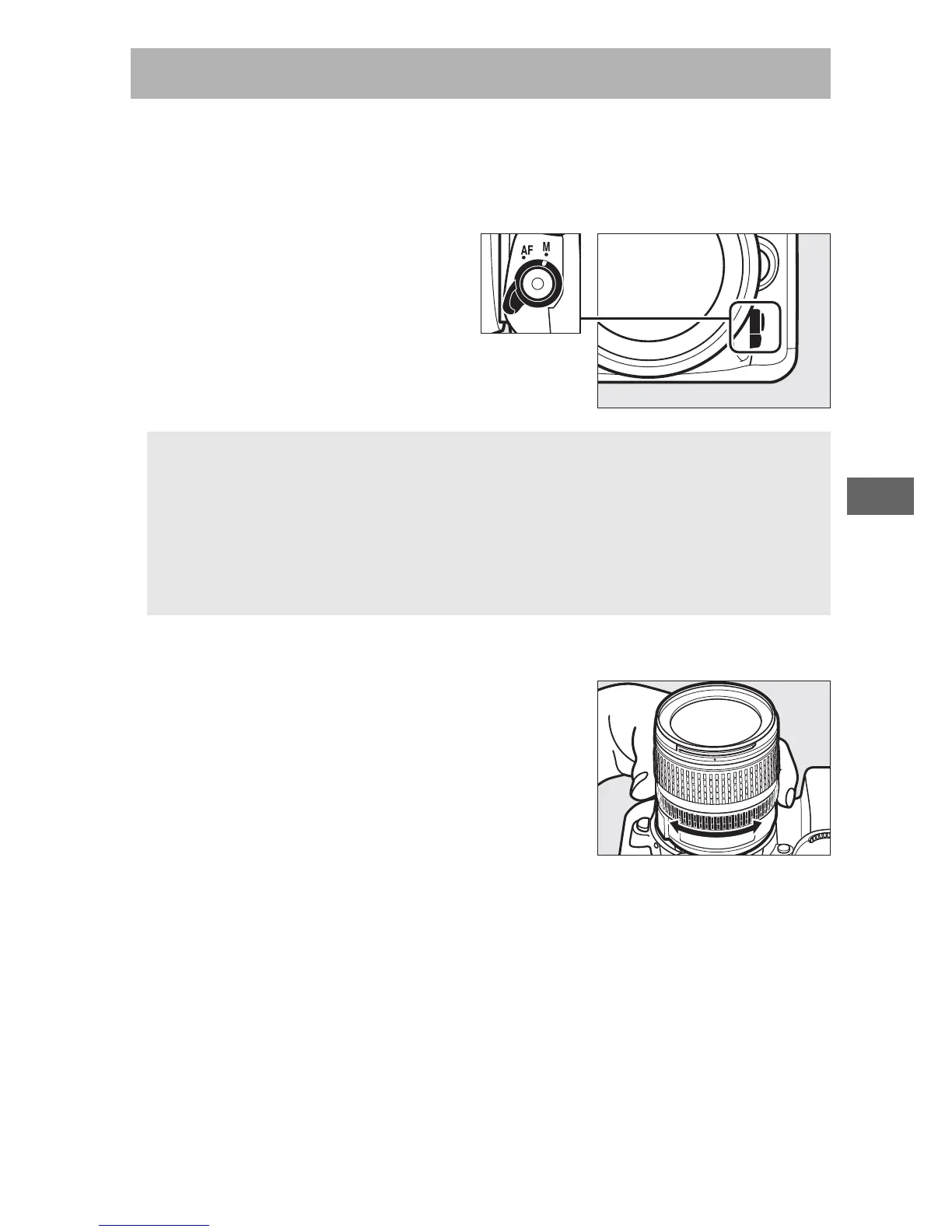
Manual focus is available for lenses that do not support
autofocus (non-AF NIKKOR lenses) or when the autofocus does
not produce the desired results (0 96).
• AF lenses: Set the lens focus
mode switch (if present) and
camera focus-mode selector
to M.
• Manual focus lenses: Focus manually.
To focus manually, adjust the lens focus
ring until the subject is in focus.
Photographs can be taken at any time,
even when the image is not in focus.
Manual Focus
D AF Lenses
Do not use AF lenses with the lens focus mode switch set to M and
the camera focus-mode selector set to AF.
Failure to observe this
precaution could damage the camera or lens.
This does not apply to
AF-S lenses, which can be used in M mode without setting the
camera focus-mode selector to M.



 To Next Page