202
❚❚ White Balance Bracketing
The camera creates multiple copies of each photograph, each
with a different white balance.
For more information on white
balance, see page 111.
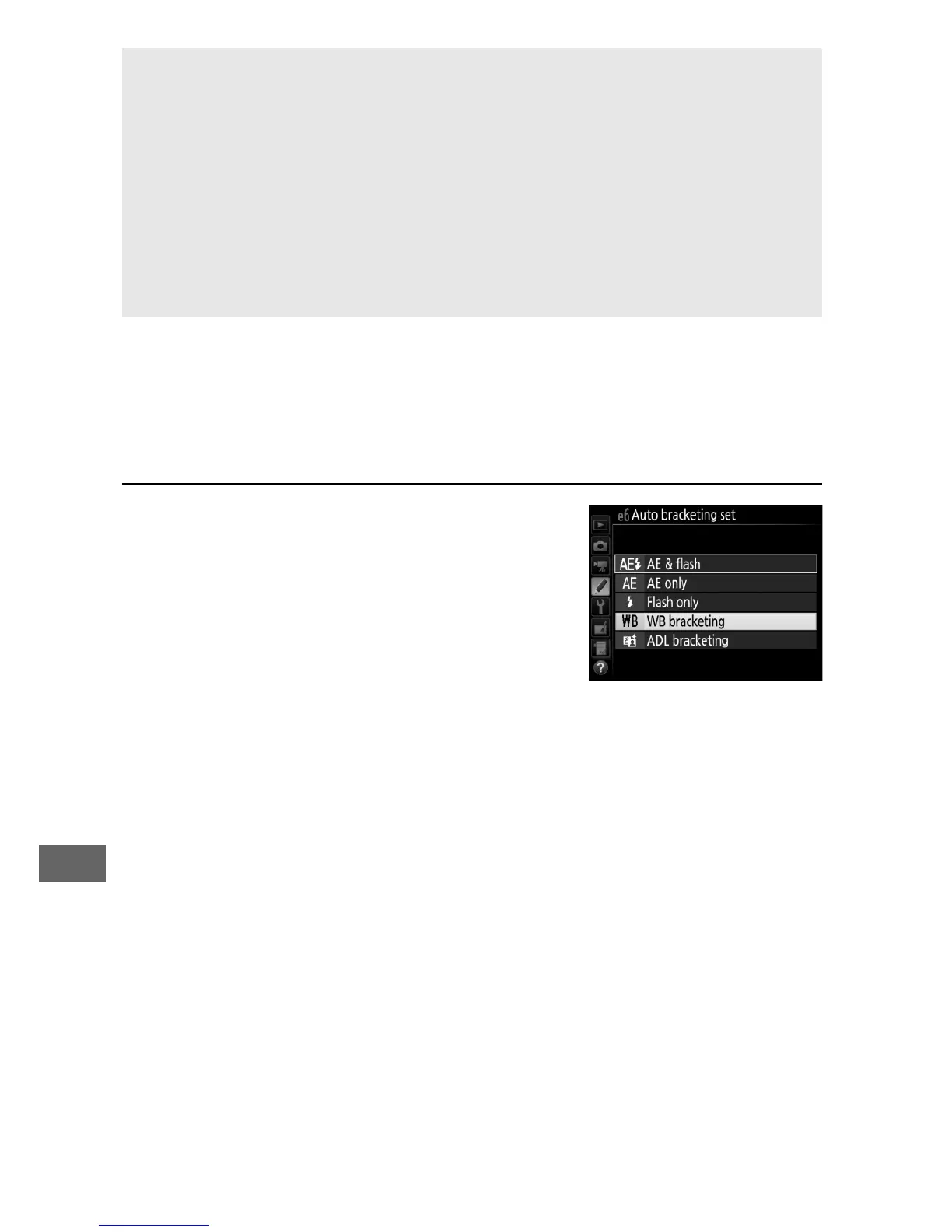
1 Select white balance bracketing.
Choose WB bracketing for Custom
Setting e6 (Auto bracketing set).
A Exposure Bracketing
The camera modifies exposure by varying shutter speed and aperture
(mode P), aperture (mode S), or shutter speed (modes A and M).
If On is
selected for ISO sensitivity settings > Auto ISO sensitivity control
(0 102) in modes P, S, and A, the camera will automatically vary ISO
sensitivity for optimum exposure when the limits of the camera
exposure system are exceeded; in mode M, the camera will first use
auto ISO sensitivity control to bring exposure as close as possible to
the optimum and then bracket this exposure by varying shutter speed.



 To Next Page