44
Special Effects
Special effects can be used when taking photographs and
shooting movies.
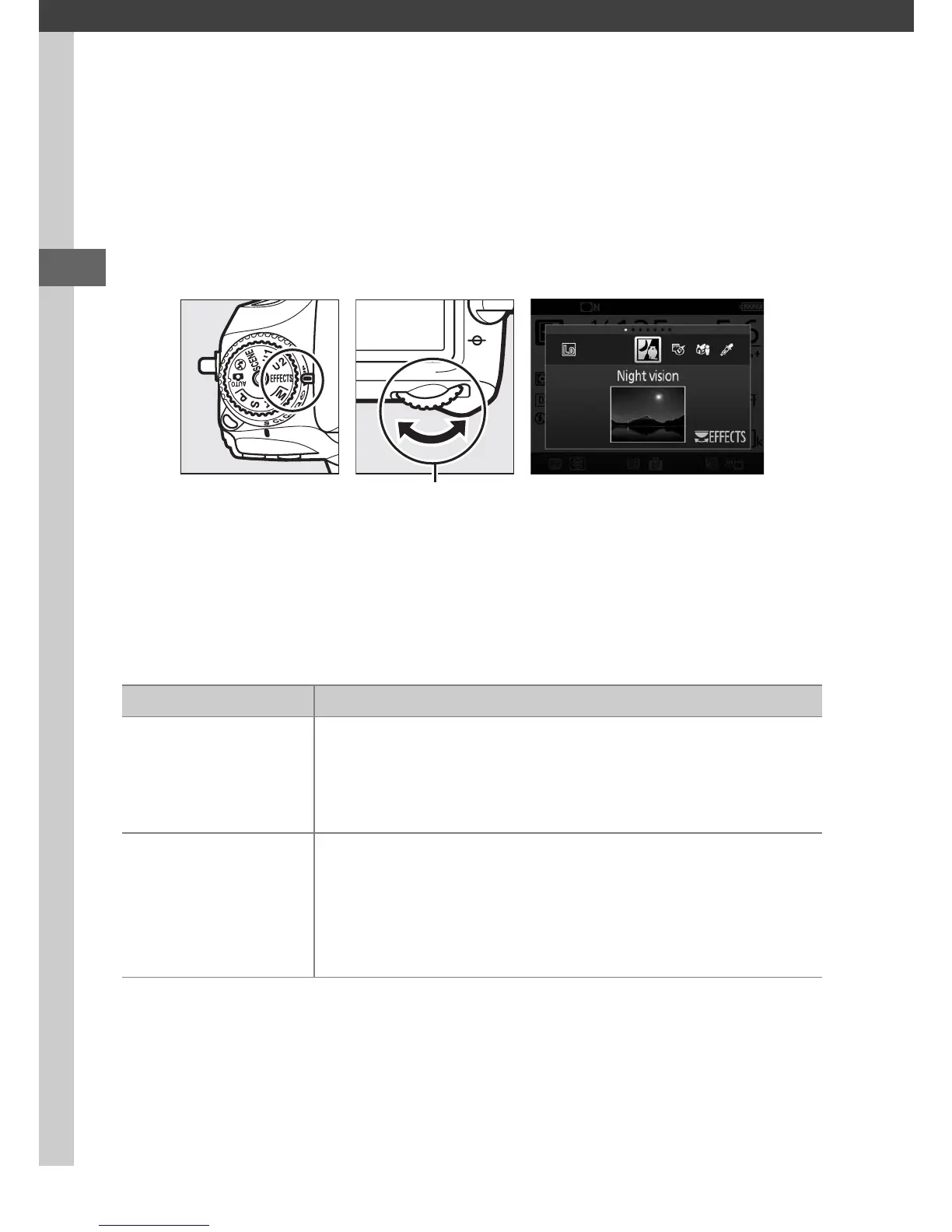
To view the currently selected effect, rotate the mode dial to
EFFECTS and press the R button.
To choose another effect, rotate
the main command dial.
Note that the effect can not be changed during live view while
the live view selector is in the 1 position.
❚❚ Special Effects
Mode dial Main command
dial
Monitor
Option Description
%
Night Vision
Use under conditions of darkness to record
monochrome images at high ISO sensitivities
(manual focus is available if the camera is unable to
focus).
1
g
Color Sketch
The camera detects and colors outlines for a color
sketch effect. The effect can be adjusted in live view
(0 46).
Note that movies recorded in this mode
play back like a slide show made up of a series of
stills.



 To Next Page