41
Matching Settings to the Subject or
Situation (Scene Mode)
The camera offers a choice of “scene” modes.
Choosing a scene
mode automatically optimizes settings to suit the selected
scene, making creative photography as simple as selecting a
mode, framing a picture, and shooting as described on pages
30–35.
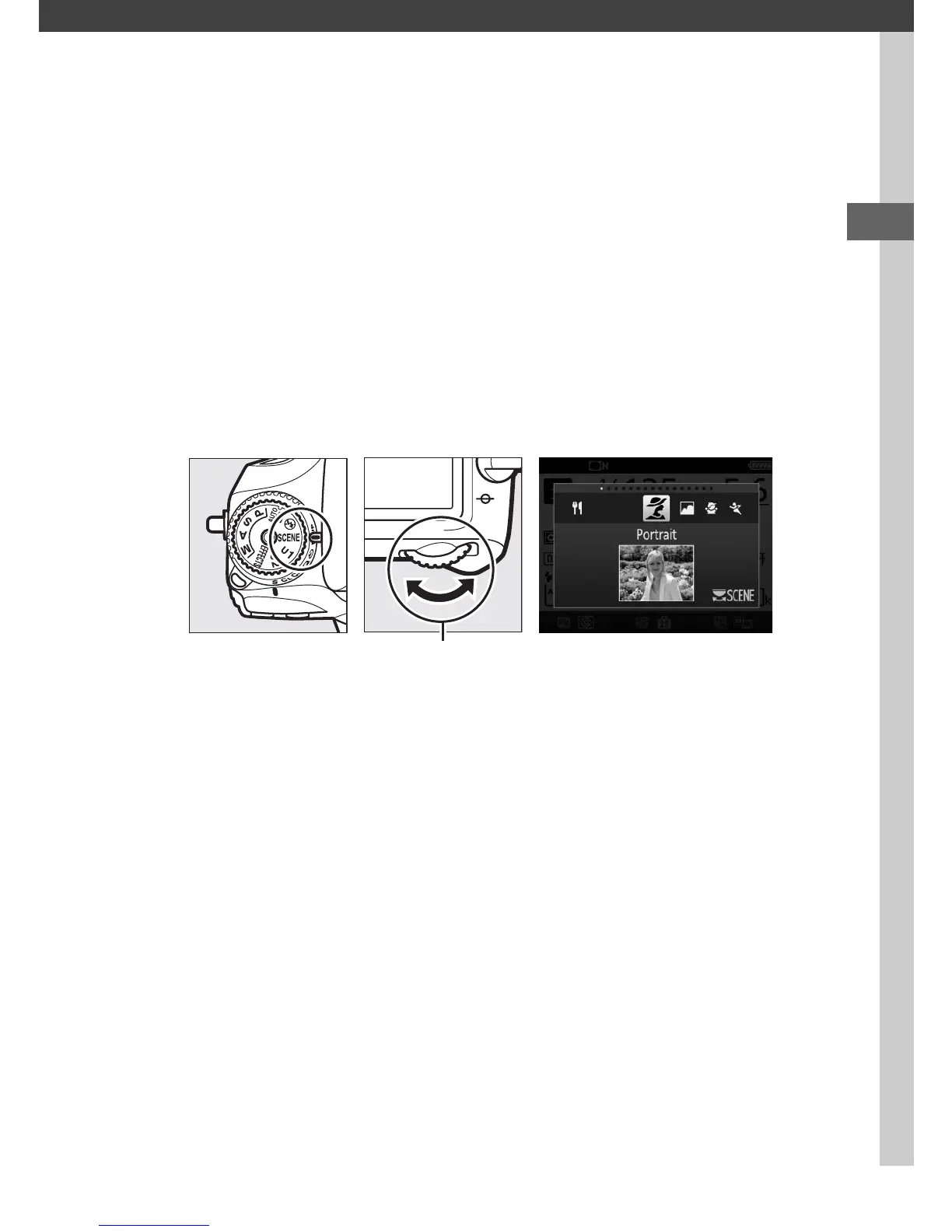
To view the currently selected scene, rotate the mode dial to
SCENE and press the R button.
To choose another scene, rotate
the main command dial.
Note that the scene can not be changed during live view while
the live view selector is in the 1 position.
Mode dial Main command
dial
Monitor



 To Next Page