161
Recording and Viewing Movies
Movies can be recorded in live view.
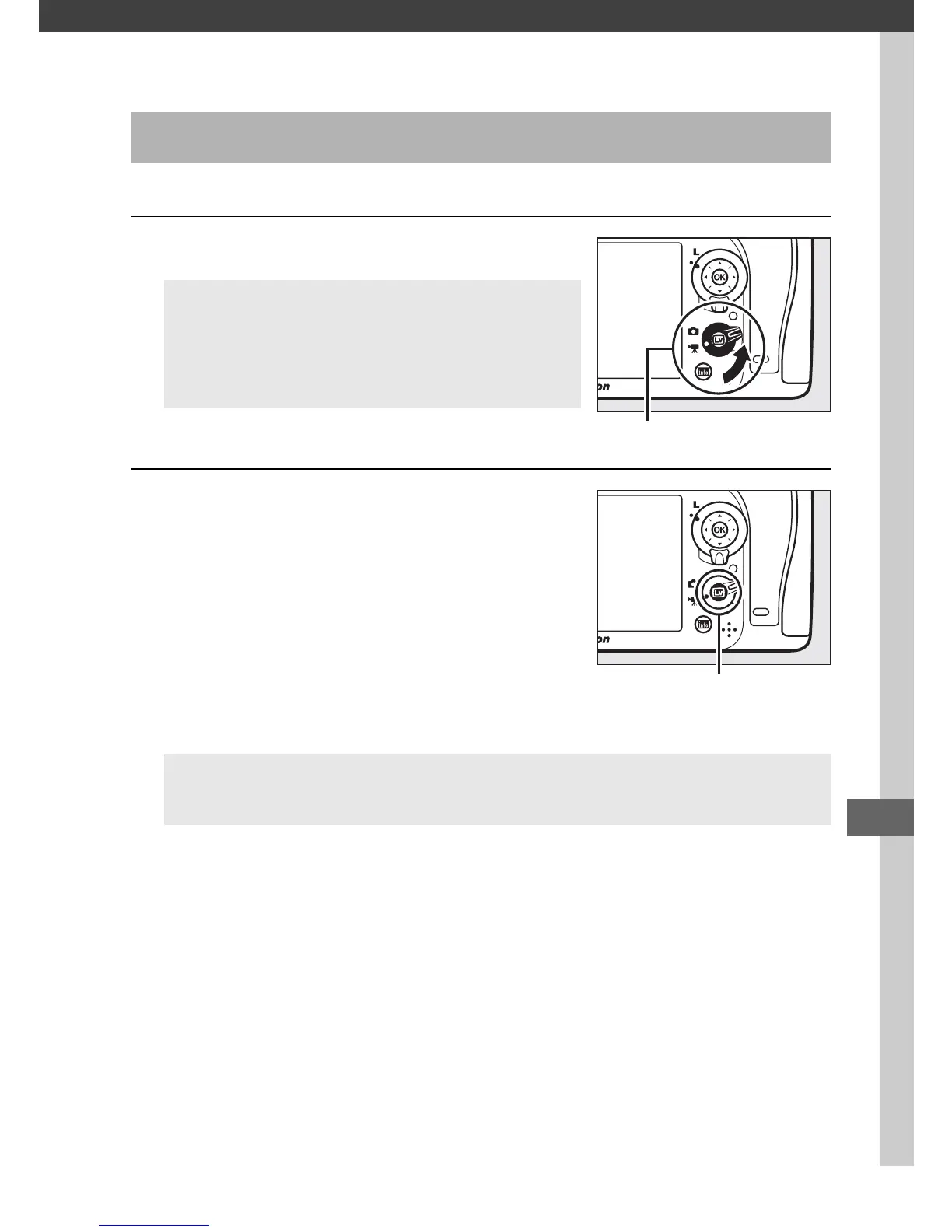
1 Rotate the live view selector to 1.
2 Press the a button.
The mirror will be raised and the view
through the lens will be displayed in
the camera monitor as it would
appear in the actual movie, modified
for the effects of exposure.
The
subject will no longer be visible in the
viewfinder.
Recording Movies
A Aperture Selection (Modes A and M)
In modes A and M, choose an aperture
before pressing the a button to start live
view.
A The 0 Icon
A 0 icon (0 165) indicates that movies can not be recorded.



 To Next Page