162
3 Focus.
Frame the opening shot and focus
(press the X/T button to zoom in
for precise focus as described on page
38; for more information on focusing during movie recording,
see page 83).
Note that the number of subjects that can be
detected in face-priority AF drops during movie recording.
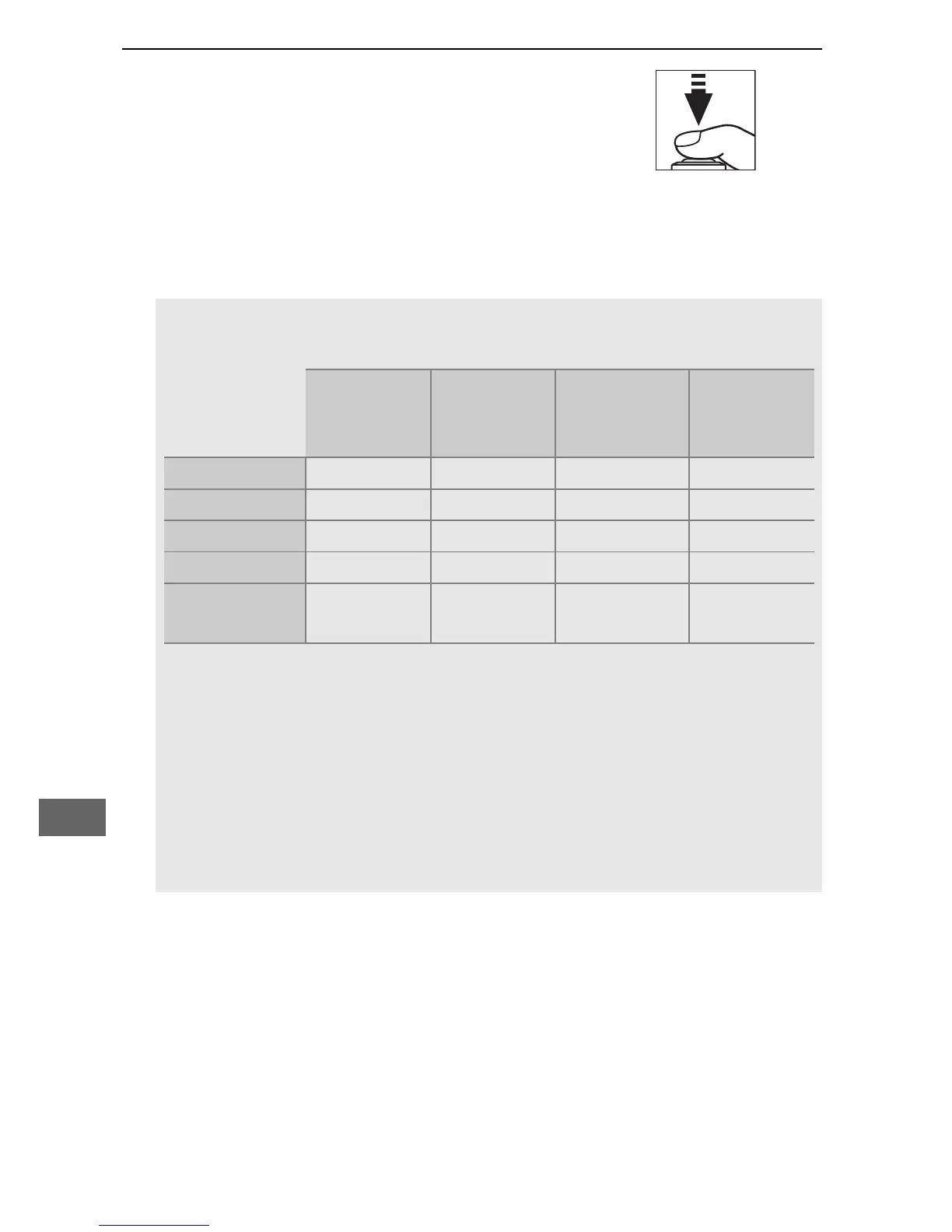
A Exposure
The exposure settings available vary with the shooting mode:
Shutter
speed
ISO
sensitivity
(0 275)
Exposure
compensation
Metering
P, S — — ✔ ✔
A — — ✔ ✔
M ✔ ✔ — ✔
SCENE, % — — ✔ —
Other shooting
modes
— — — —
In mode M, shutter speed can be set to values between
1
/
25 s and
1
/
8000 s (the slowest available shutter speed varies with the frame
rate; 0 166).
Spot metering is not available.
If the result is over- or
under-exposed, exit and restart live view.
A White Balance
In modes P, S, A, and M, white balance can be set at any time by
pressing the L (U) button and rotating the main command dial
(0 111).



 To Next Page