106
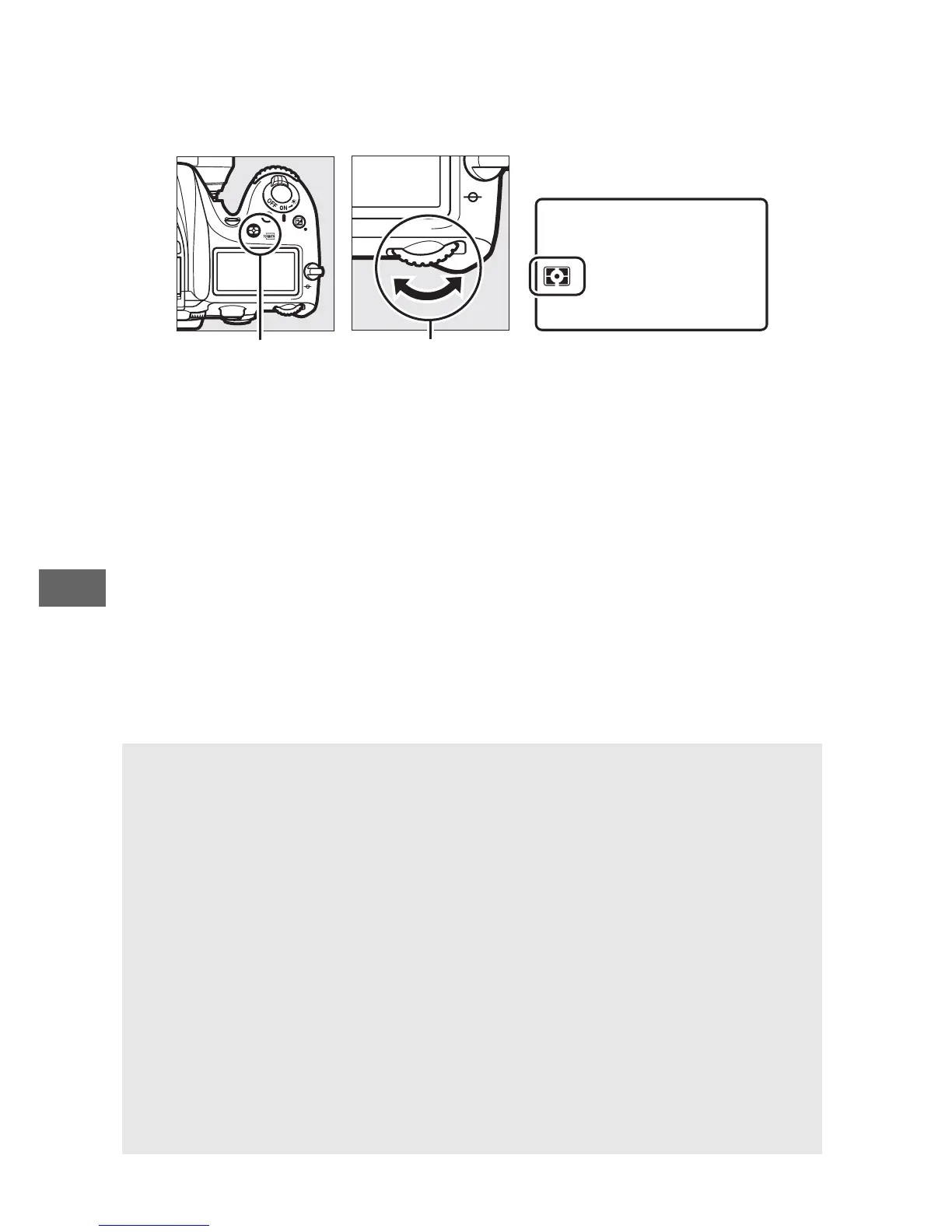
To choose a metering option, press the Z (Q) button and
rotate the main command dial until the desired setting is
displayed.
Z (Q) button Main command
dial
Control panel
A Live View
In live view, the selected option is displayed in the monitor.
A Non-CPU Lens Data
Specifying the focal length and maximum aperture of non-CPU lenses
using the Non-CPU lens data option in the setup menu (0 225)
allows the camera to use color matrix metering when matrix is
selected.
Center-weighted metering will be used if matrix metering is
selected with non-CPU lenses for which lens data have not been
supplied.
A See Also
For information on making separate adjustments to optimal exposure
for each metering method, see Custom Setting b5 (Fine-tune optimal
exposure, 0 278).



 To Next Page