263
Follow the steps below to select photos for upload to the smart
device.
Movies can not be selected for upload.
Selecting Individual Pictures for Upload
1 Select an image.
Display the image or highlight it in the thumbnail list in
thumbnail or calendar playback.
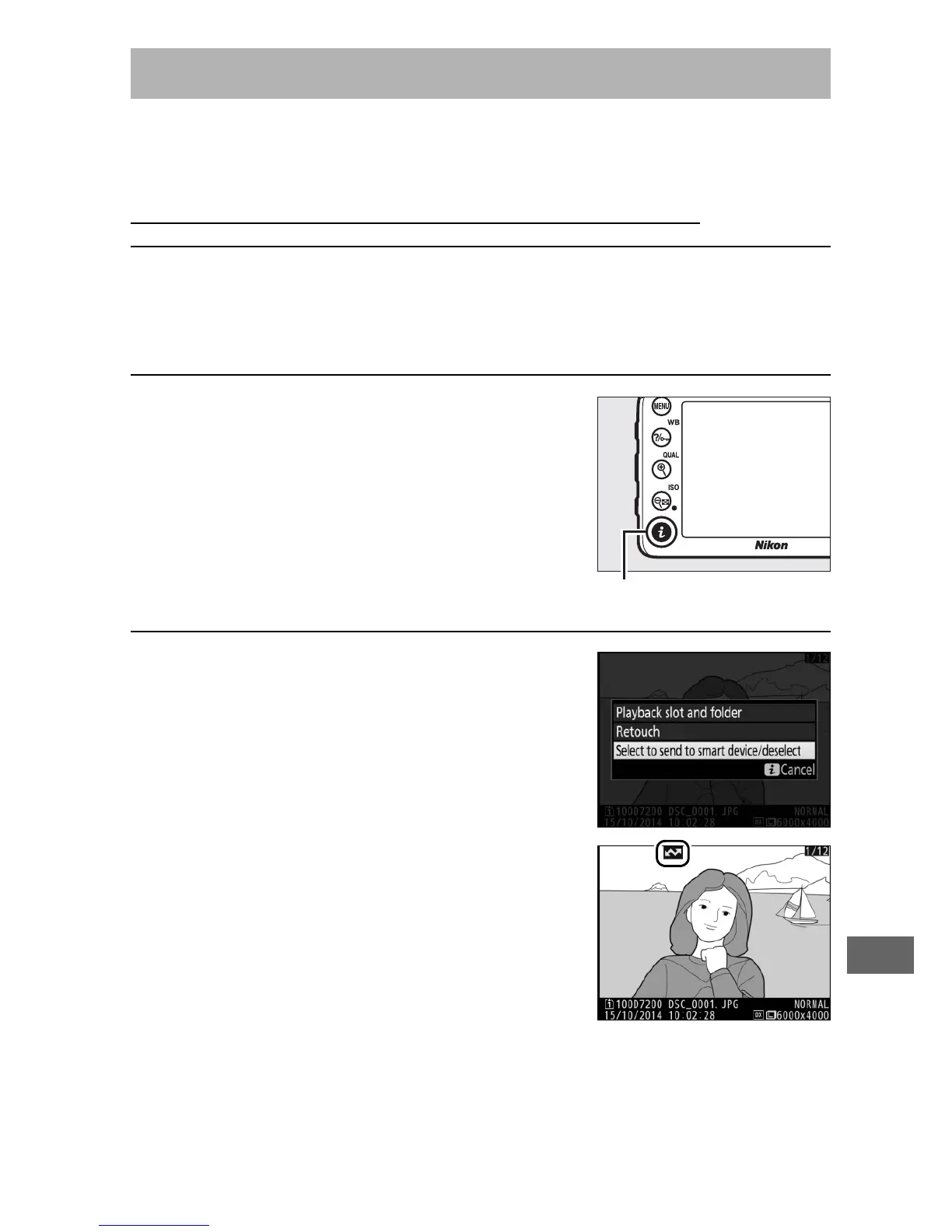
2 Display playback options.
Press the i button to display playback
options.
3 Choose Select to send to smart
device/deselect.
Highlight Select to send to smart
device/deselect and press J.
Pictures selected for upload are
indicated by a & icon; to deselect,
display or highlight the image and
repeat Steps 2 and 3.
Selecting Pictures for Upload



 To Next Page