189
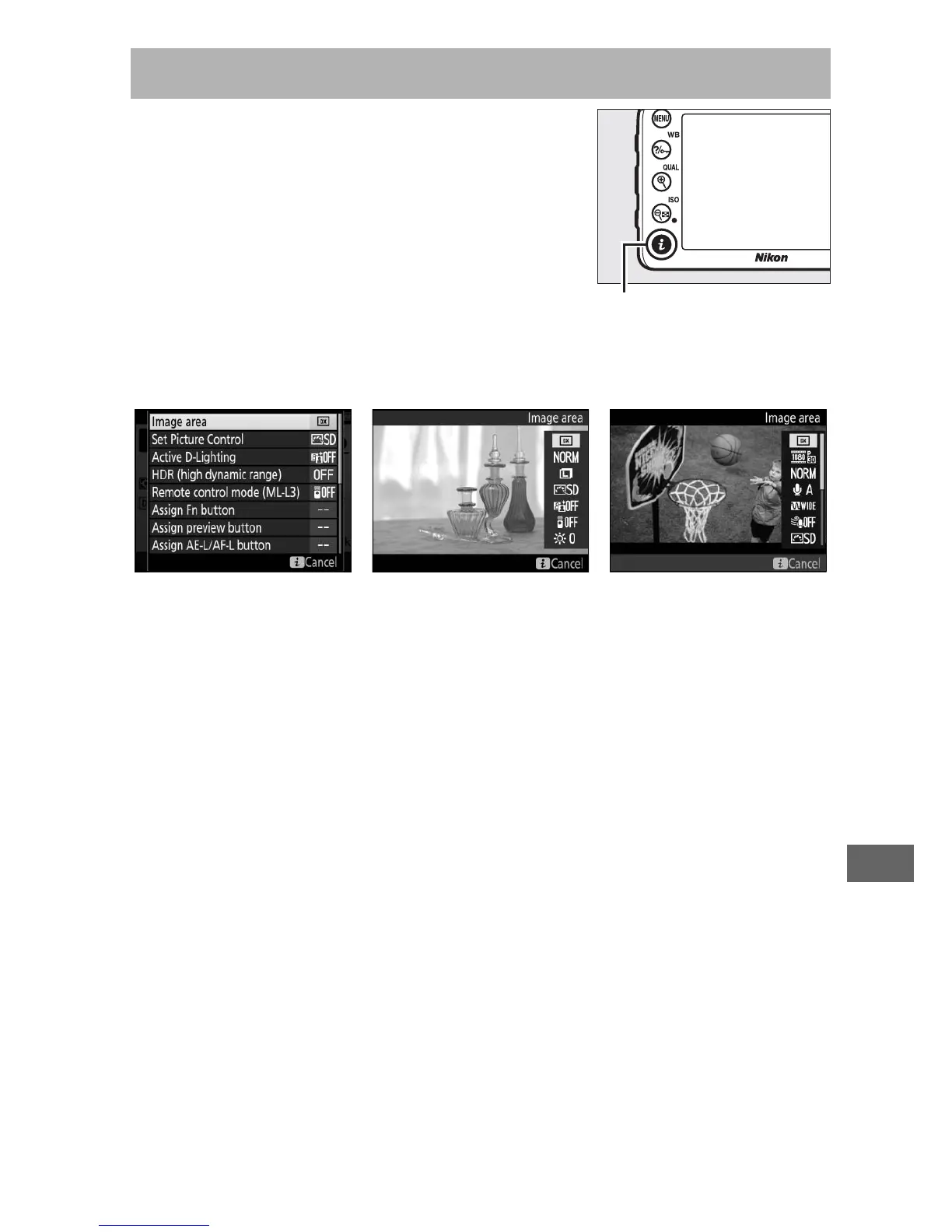
For quick access to frequently-used
settings, press the i button.
Highlight
items and press 2 to view options, then
highlight the desired option and press J
to select.
To exit the i-button menu and
return to the shooting display, press the
i button.
The i Button
Viewfinder
photography Live view
i-button menu i-button menu
(live view selector
rotated to C)
i-button menu
(live view selector
rotated to 1)



 To Next Page