257
Wireless Security
Adjust security settings after establishing a Wi-Fi connection.
In
the case of WPS connections (0 256), security is enabled
automatically; no further adjustments to settings are required.
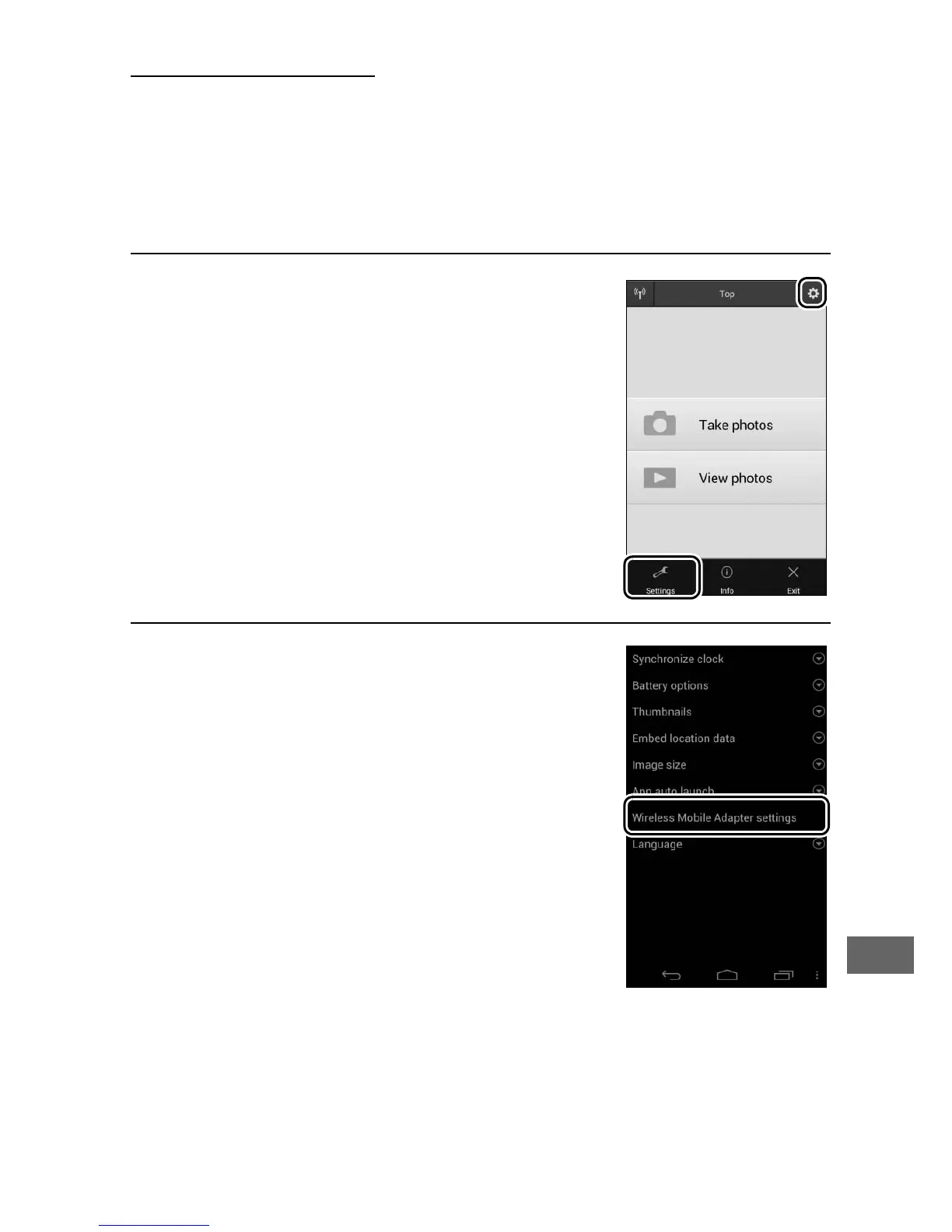
❚❚ Android OS
1 Display Wireless Mobile Utility
settings.
On the smart device, select the c icon at
the top right corner of the display or
open the settings menu in the Wireless
Mobile Utility home display.
2 Select Wireless Mobile Adapter
settings.



 To Next Page