173
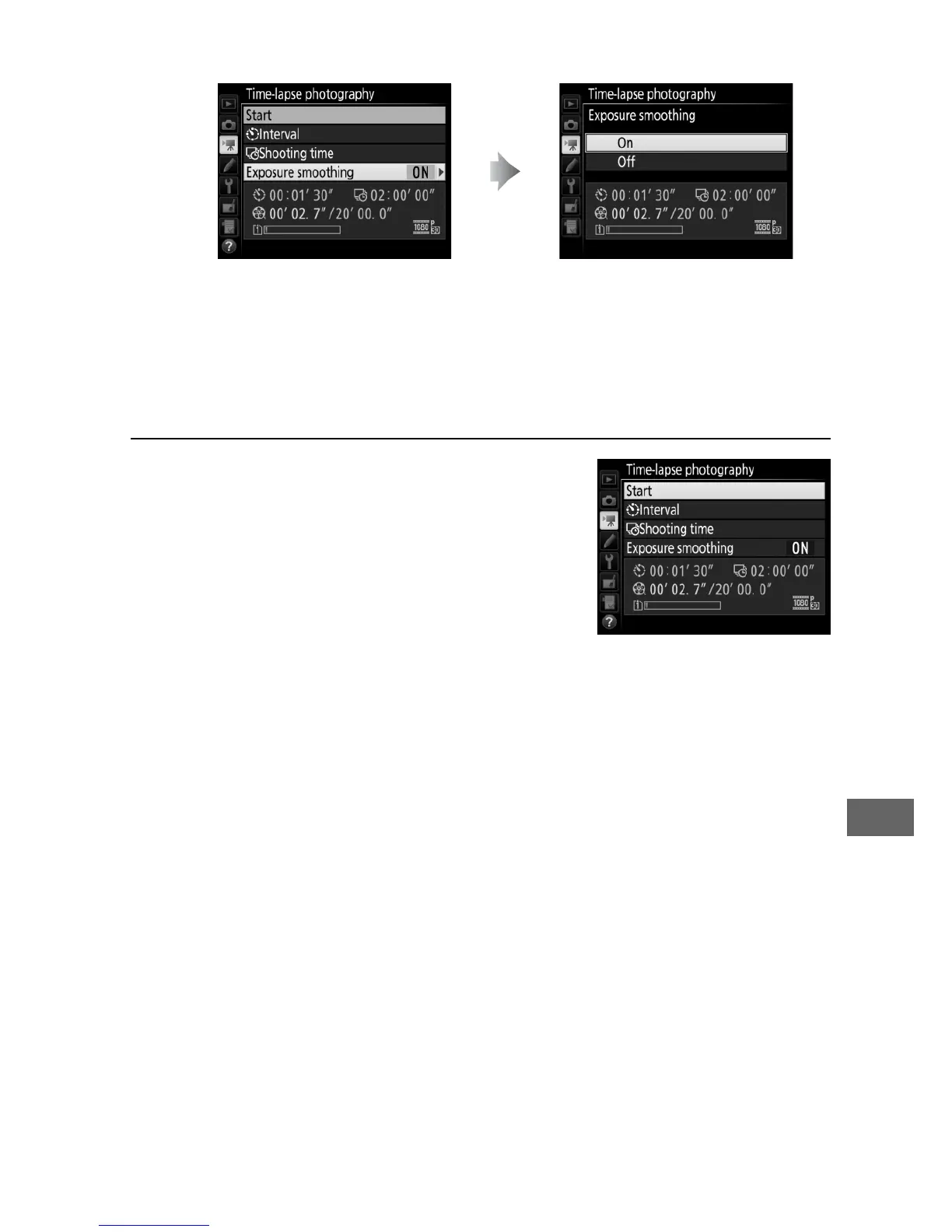
• To enable or disable exposure smoothing:
Selecting On smooths abrupt changes in exposure in
modes other than M (note that exposure smoothing only
takes effect in mode M if auto ISO sensitivity control is on).
3 Start shooting.
Highlight Start and press J.
Time-
lapse photography starts after about
3 s.
The camera takes photographs at
the selected interval for the selected
shooting time.
When complete, time-
lapse movies are recorded to the
memory card selected for Destination in movie shooting
menu (0 273).
Highlight Exposure
smoothing and press 2.
Highlight an option and
press J.



 To Next Page