24
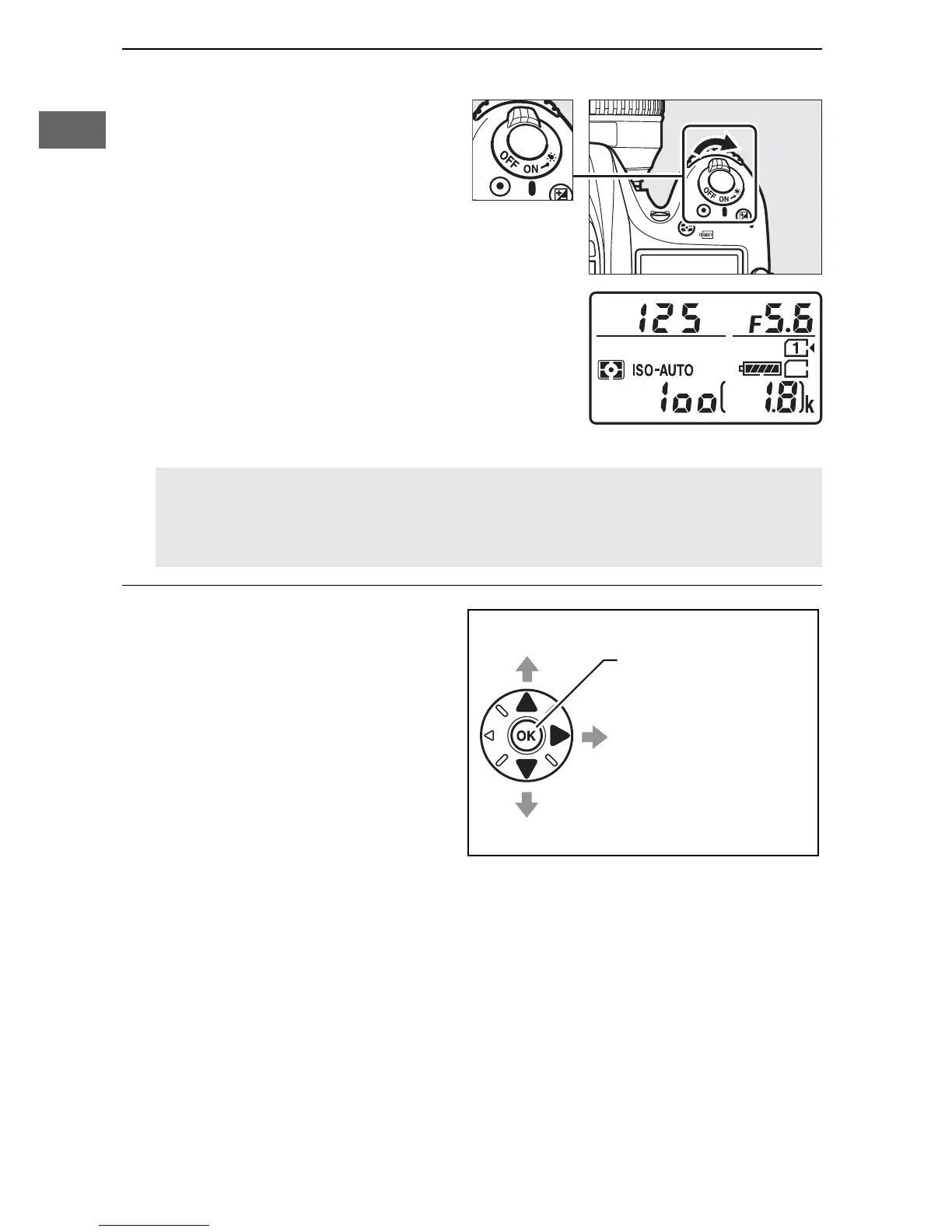
5 Turn the camera on.
The control panel will light.
If this is the first time the
camera has been turned
on, a language-selection
dialog will be displayed.
6 Choose a language and
set the camera clock.
Use the multi selector and
J button to select a
language and set the
camera clock. When
setting the camera clock,
you will be prompted to
choose a time zone, date
format, and daylight saving time option before setting the
time and date; note that the camera uses a 24-hour clock.
Language and date/time settings can be changed at any time
using the Language (0 290) and Time zone and date
(0 290) options in the setup menu.
A Image Sensor Cleaning
The camera vibrates the image sensor to remove dust when the
camera is turned on or off (0 321).



 To Next Page