46
Options Available in Live View
Settings for the selected effect are adjusted in the live view
display but apply during live view and viewfinder photography
and movie recording.
❚❚ g Color Sketch
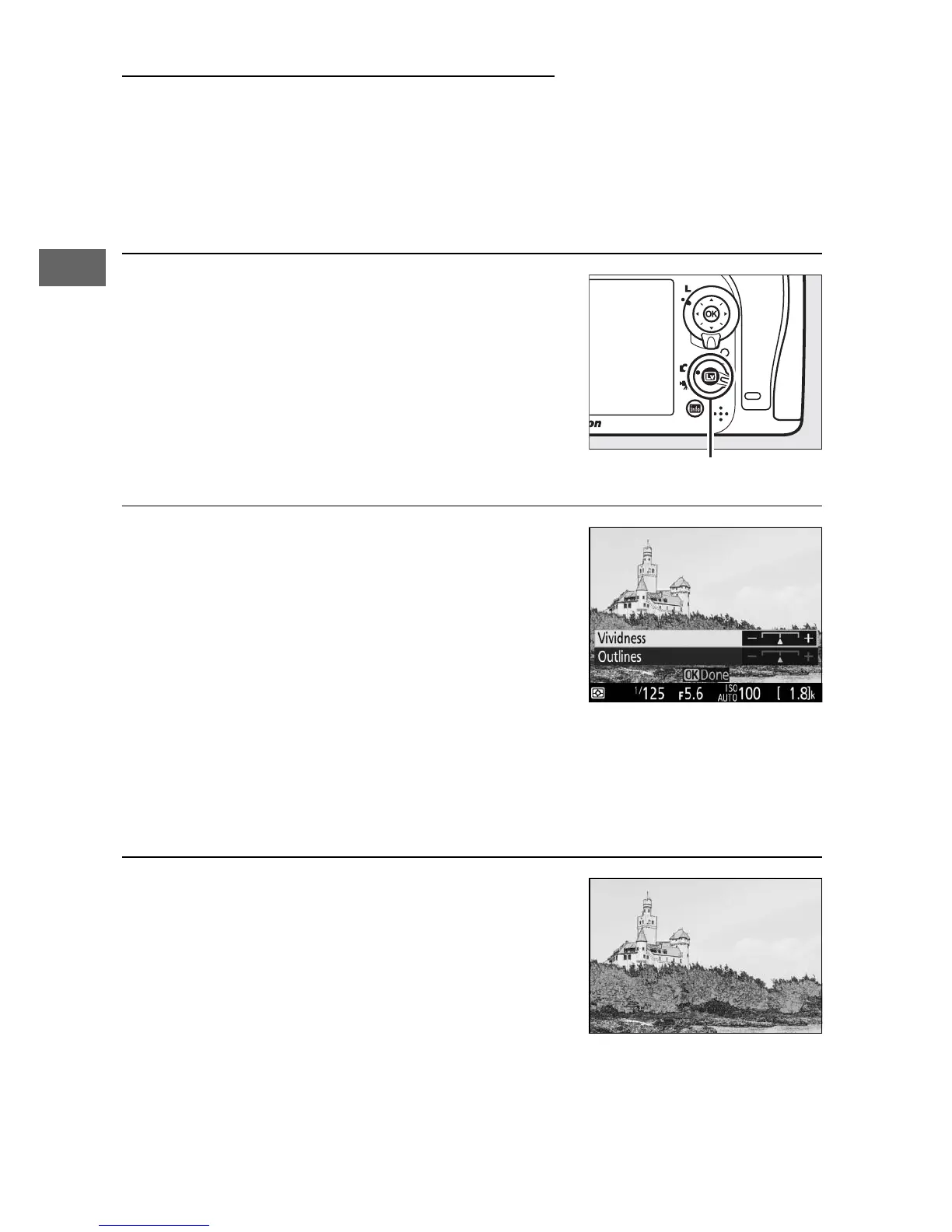
1 Select live view.
Press the a button. The view through
the lens will be displayed in the
monitor.
2 Adjust options.
Press J to display the options shown
at right. Press 1 or 3 to highlight
Vividness or Outlines and press 4 or
2 to change. Vividness can be
increased to make colors more
saturated, or decreased for a washed-
out, monochromatic effect, while outlines can be made
thicker or thinner. Increasing the thickness of the lines also
makes colors more saturated.
3 Press J.
Press J to exit when settings are
complete. To resume viewfinder
photography, press the a button.



 To Next Page