256
Android: Other Wi-Fi Connection Options
WPS can be used with compatible smart devices.
Wireless
security is enabled automatically.
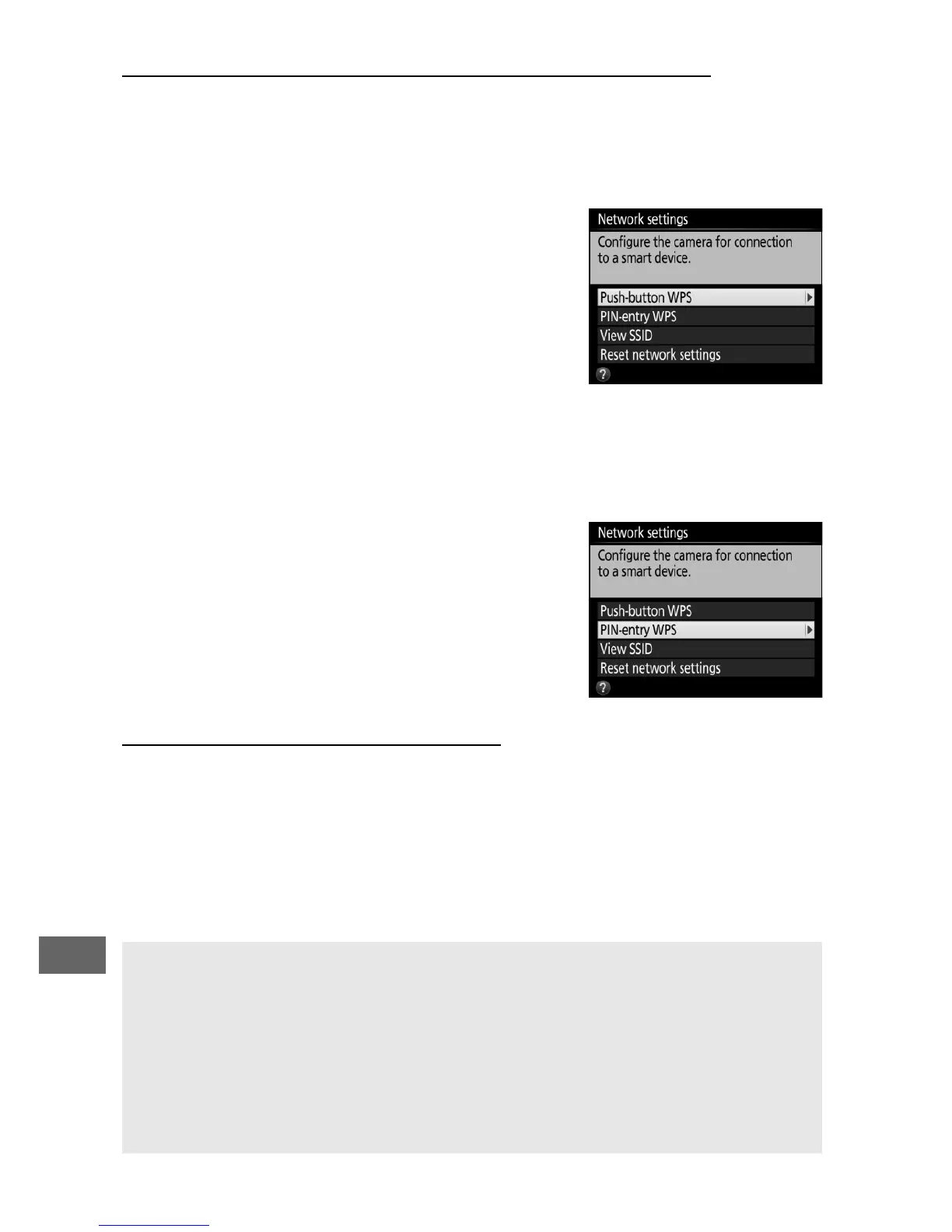
❚❚ Push-Button WPS
Adjust settings as follows to connect at
the push of a button:
• Camera: Select Wi-Fi > Network
settings > Push-button WPS in the
setup menu.
• Smart device: Select WPS button
connection in the Wi-Fi settings
menu.
❚❚ PIN-Entry WPS
To connect to a smart device using a PIN,
select Wi-Fi > Network settings > PIN-
entry WPS in the camera setup menu
and enter the PIN displayed by the smart
device.
Restoring Default Settings
To restore default network settings, select Wi-Fi > Network
settings > Reset network settings.
A confirmation dialog will
be displayed; highlight Ye s and press J to restore default
network settings.
A Terminating the Connection
Wi-Fi can be disabled by:
• Selecting Wi-Fi > Network connection > Disable in the camera
setup menu
• Starting movie recording
• Connecting an optional UT-1 communication unit
• Turning the camera off



 To Next Page