55
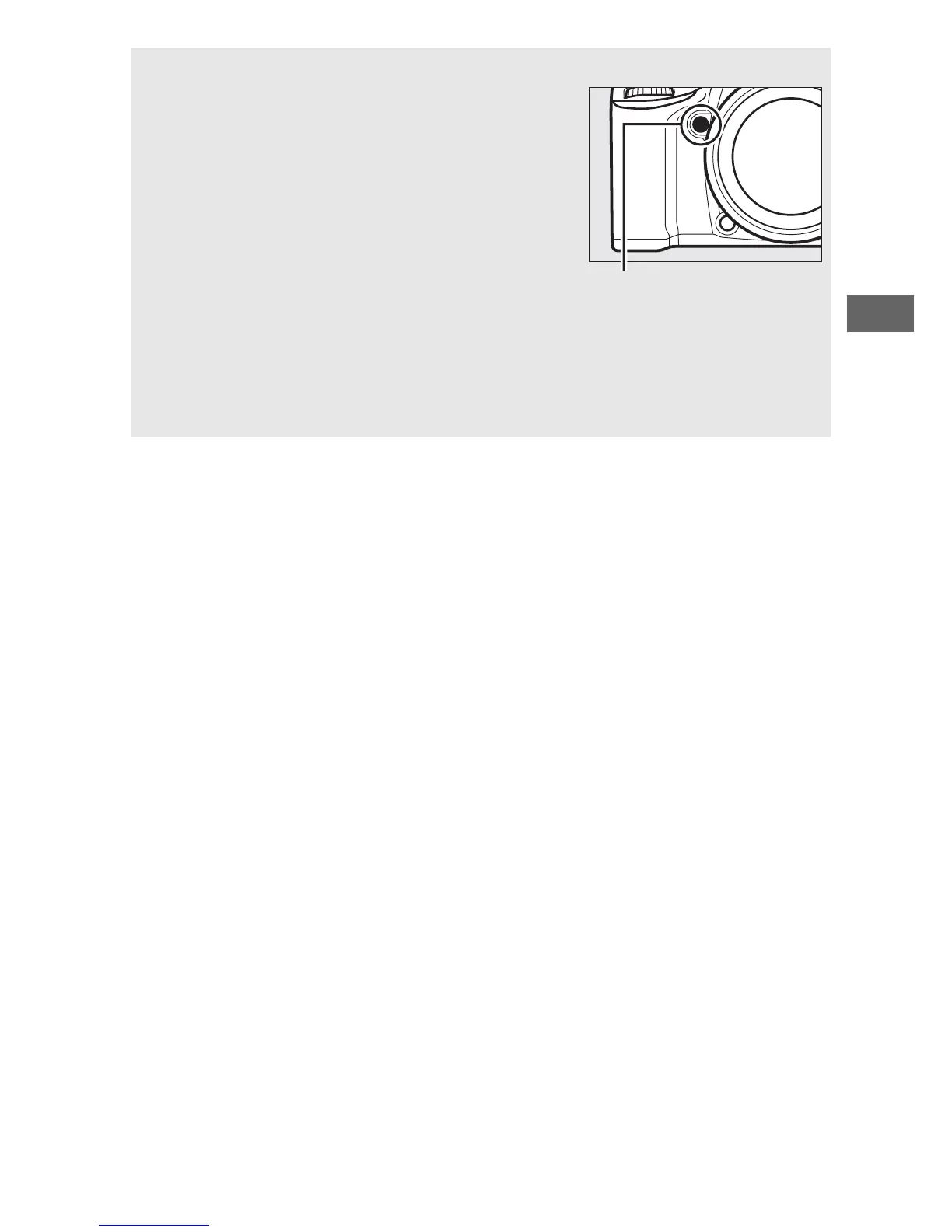
A Depth-of-Field Preview (Viewfinder Photography)
To preview the effects of aperture, press and
hold the Pv button.
The lens will be stopped
down to the aperture value selected by the
camera (modes P and S) or the value chosen
by the user (modes A and M), allowing depth
of field to be previewed in the viewfinder.
A Custom Setting e5—Modeling Flash (Viewfinder Photography; 0 284)
This setting controls whether the built-in flash and optional flash units
that support the Nikon Creative Lighting System (CLS; 0 311) will emit
a modeling flash when the Pv button is pressed.



 To Next Page