140
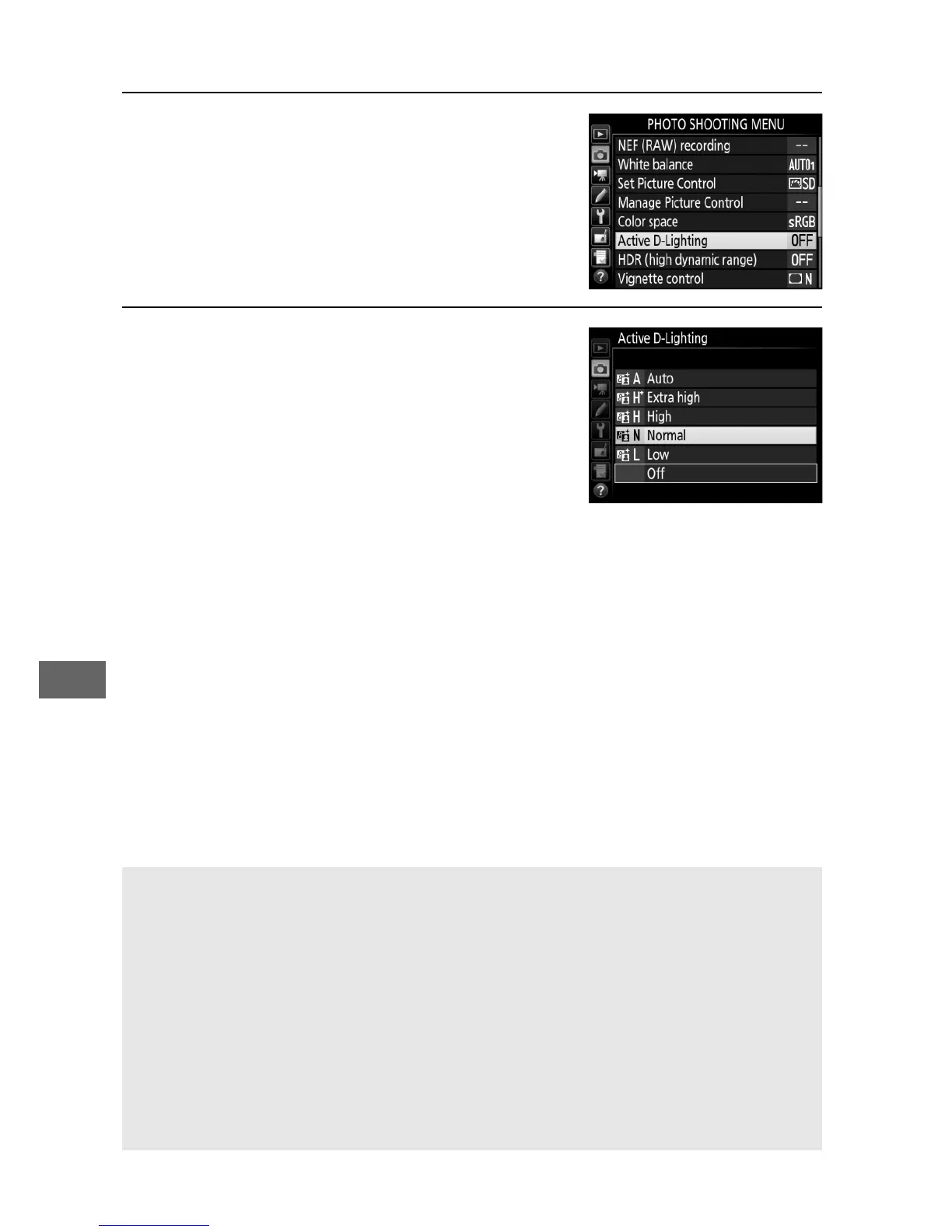
To use Active D-Lighting:
1 Select Active D-Lighting.
Highlight Active D-Lighting in the
photo shooting menu and press 2.
2 Choose an option.
Highlight the desired option and
press J.
If YAuto is selected, the
camera will automatically adjust
Active D-Lighting according to
shooting conditions (in mode M,
however, Y Auto is equivalent to
Q Normal).
D Active D-Lighting
With some subjects, you may notice uneven shading, shadows around
bright objects, or halos around dark objects.
A See Also
When ADL bracketing is selected for Custom Setting e6 (Auto
bracketing set, 0 284), the camera varies Active D-Lighting over a
series of shots (0 207).
If desired, the Fn button and main command
dial can be used to select Active D-Lighting; for more information, see
Custom Setting f2 (Assign Fn button, 0 284).



 To Next Page