128
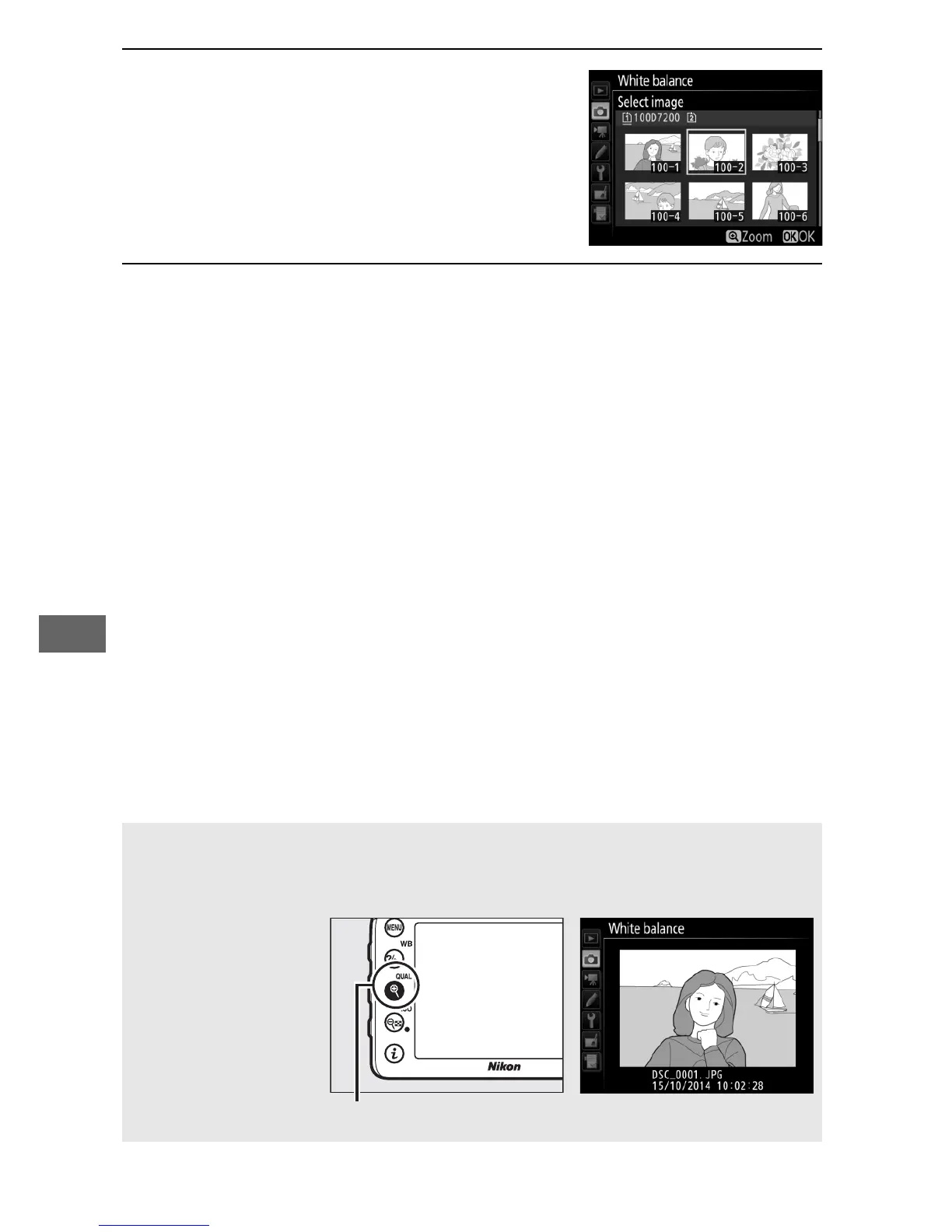
4 Highlight a source image.
Highlight the source image.
5 Copy white balance.
Press J to copy the white balance value for the highlighted
photograph to the selected preset.
If the highlighted
photograph has a comment (0 291), the comment will be
copied to the comment for the selected preset.
A Choosing a Source Image
To view the image highlighted in Step 4 full frame, press and hold the
X (T) button.



 To Next Page