211
Follow the steps below to record a series of two or three NEF
(RAW) exposures in a single photograph.
❚❚ Creating a Multiple Exposure
Multiple exposures can not be recorded in live view.
Exit live
view before proceeding. Note that at default settings, shooting
will end and a multiple exposure will be recorded automatically
if no operations are performed for about 30 s.
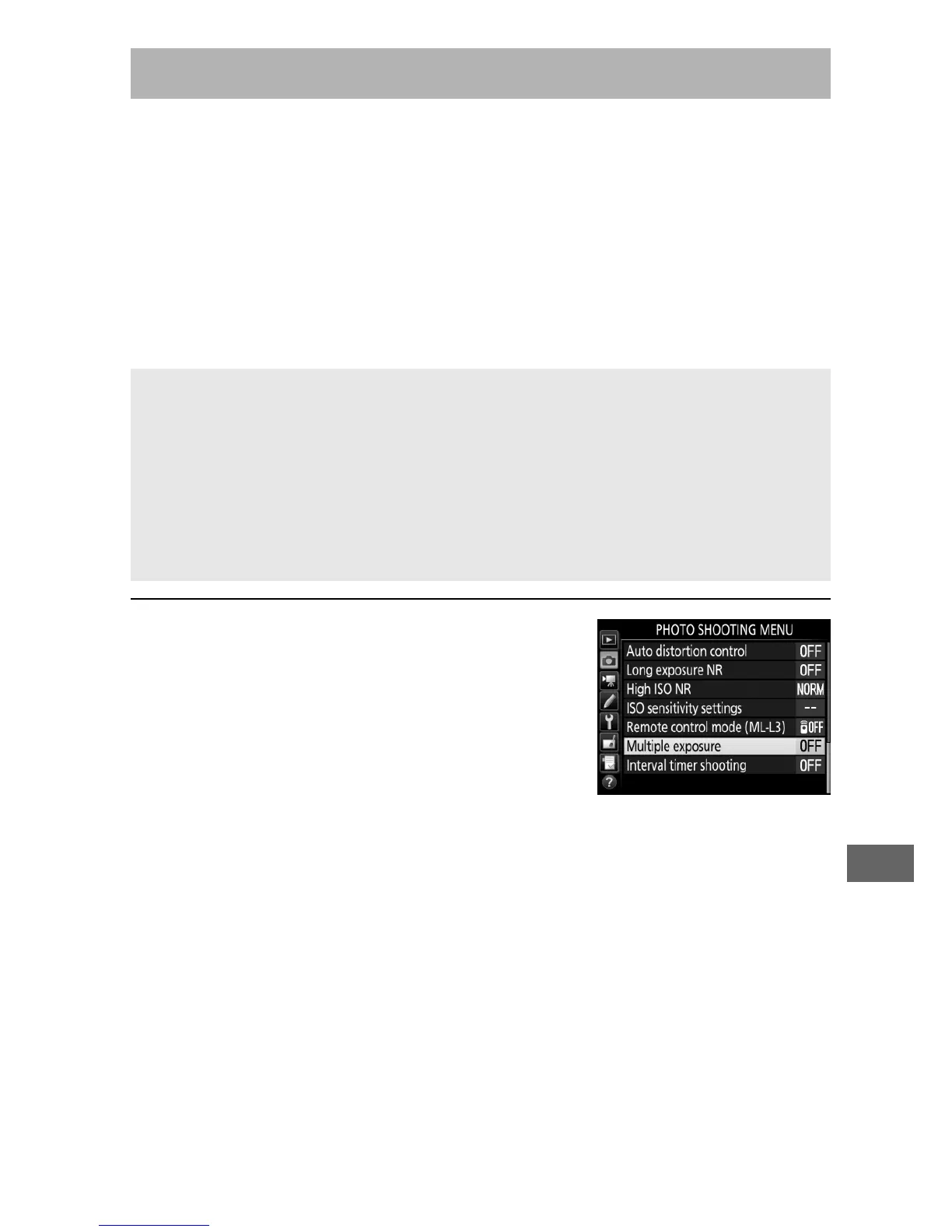
1 Select Multiple exposure.
Highlight Multiple exposure in the
photo shooting menu and press 2.
Multiple Exposure (P, S, A, and M Modes Only)
A Extended Recording Times
If the monitor turns off during playback or menu operations and no
operations are performed for about 30 s, shooting will end and a
multiple exposure will be created from the exposures that have been
recorded to that point.
The time available to record the next exposure
can be extended by choosing longer times for Custom Setting c2
(Standby timer, 0 279).



 To Next Page