123
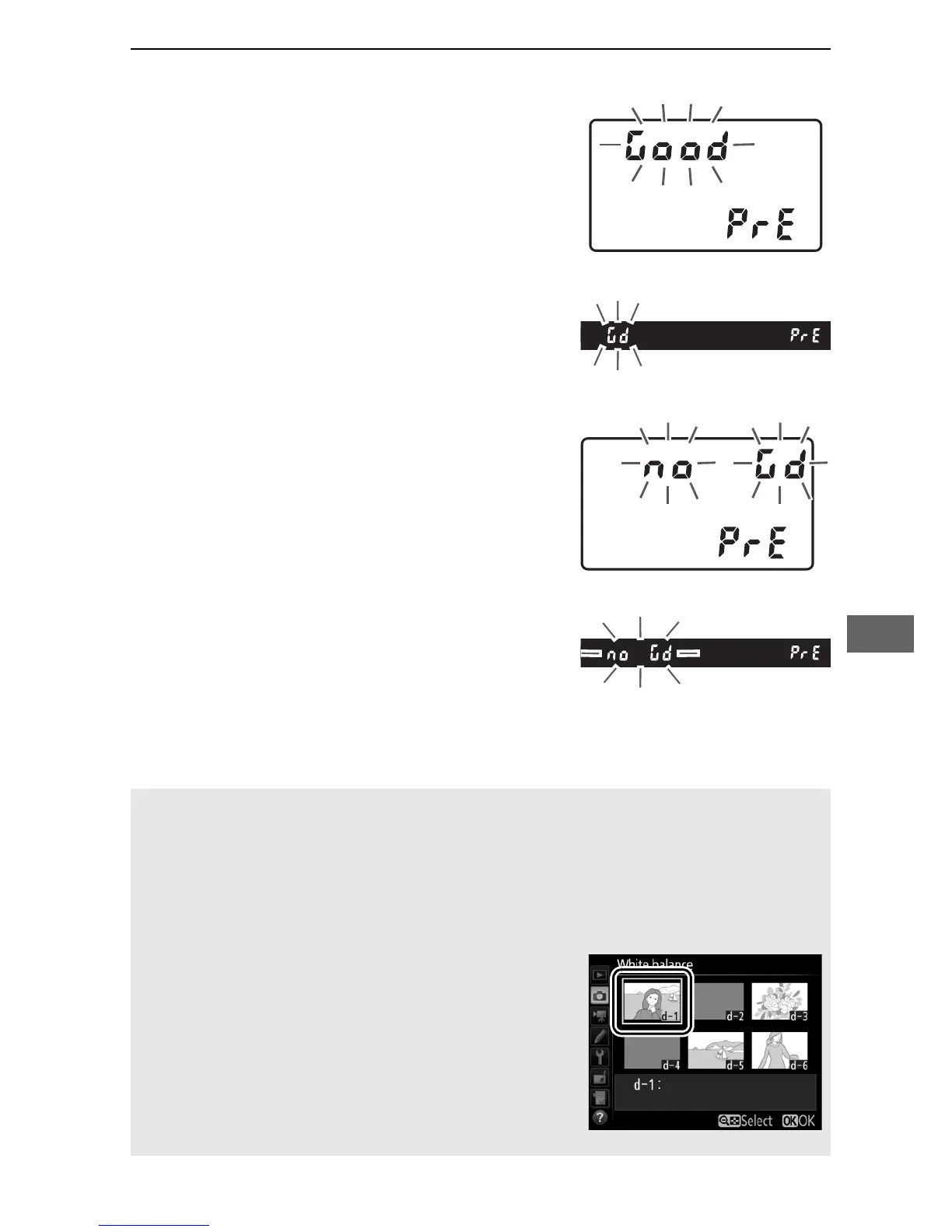
6 Check the results.
If the camera was able to measure a
value for white balance, C will
flash in the control panel, while the
viewfinder will show a flashing a.
Press the shutter-release button
halfway to exit to shooting mode.
If lighting is too dark or too bright,
the camera may be unable to
measure white balance.
A flashing
ba will appear in the control
panel and viewfinder.
Press the
shutter-release button halfway to
return to Step 5 and measure white
balance again.
D Direct Measurement Mode
If no operations are performed during viewfinder photography while
the displays are flashing, direct measurement mode will end in the
time selected for Custom Setting c2 (Standby timer, 0 279).
A Selecting a Preset
Selecting Preset manual for the White
balance option in either of the shooting
menus displays the dialog shown at right;
highlight a preset and press J.
If no value
currently exists for the selected preset, white
balance will be set to 5200 K, the same as
Direct sunlight.



 To Next Page