245
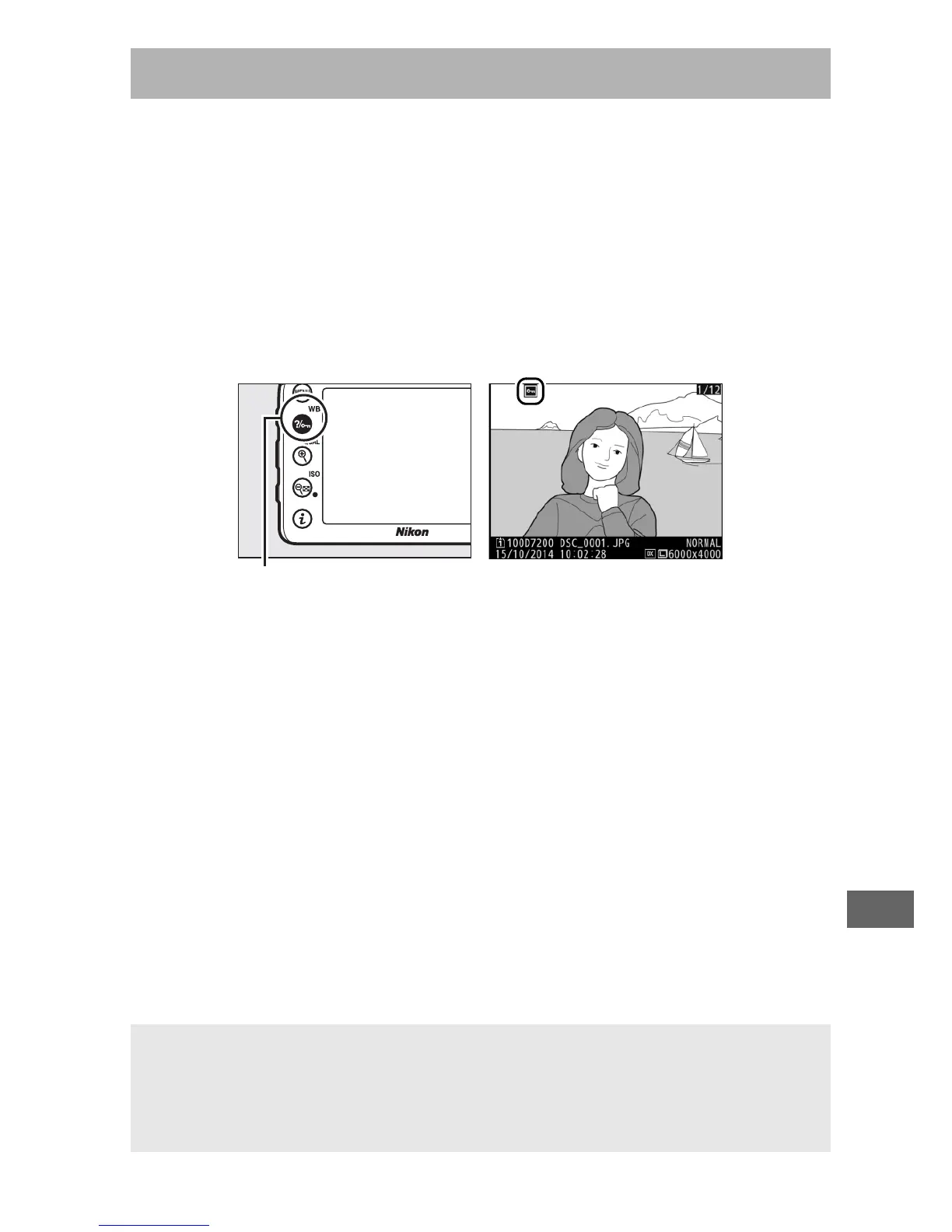
In full-frame, zoom, thumbnail, and calendar playback, press the
L (U) button to protect the current picture from accidental
deletion.
Protected files are marked with a P icon and can not
be deleted using the O (Q) button or the Delete option in the
playback menu.
Note that protected images will be deleted
when the memory card is formatted (0 289). To remove
protection from a picture so that it can be deleted, display or
highlight it and press the L (U) button.
Protecting Photographs from Deletion
L (U) button
A Removing Protection from All Images
To remove protection from all images in the folder or folders currently
selected in the Playback folder menu, press the L (U ) and O (Q)
buttons together for about two seconds during playback.



 To Next Page