191
The i-Button Menu (Live View)
The options available in the live view i-button menu vary with
the position of the live view selector.
If the live view selector is rotated to C, the i-button menu will
contain the items listed below.
Option Description
Image area
Choose from the DX (24×16) and 1.3× (18×12)
image areas (0 73).
Image quality Choose image quality (0 77).
Image size Choose image size (0 81).
Set Picture Control Choose a Picture Control (0 130).
Active D-Lighting Adjust Active D-Lighting (0 139).
Remote control
mode (ML-L3)
Choose a remote control mode (0 156).
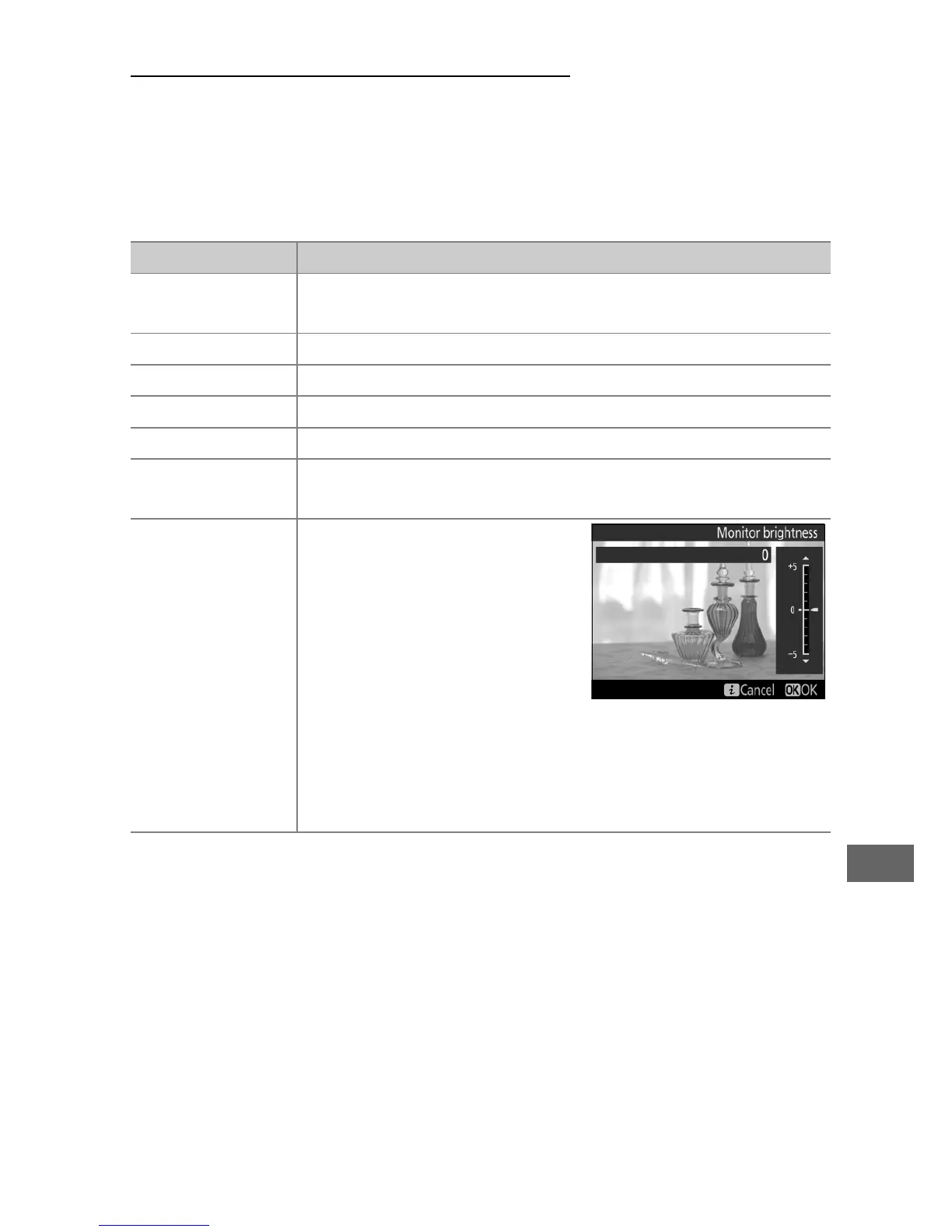
Monitor
brightness
Press 1 or 3 to adjust
monitor brightness for live
view (note that this affects
live view only and has no
effect on photographs or
movies or on the brightness
of the monitor for menus or
playback; to adjust the brightness of the monitor for
menus and playback without affecting live view, use
the Monitor brightness option in the setup menu
(0 289)).



 To Next Page