179
Trim footage to create edited copies of movies or save selected
frames as JPEG stills.
Trimming Movies
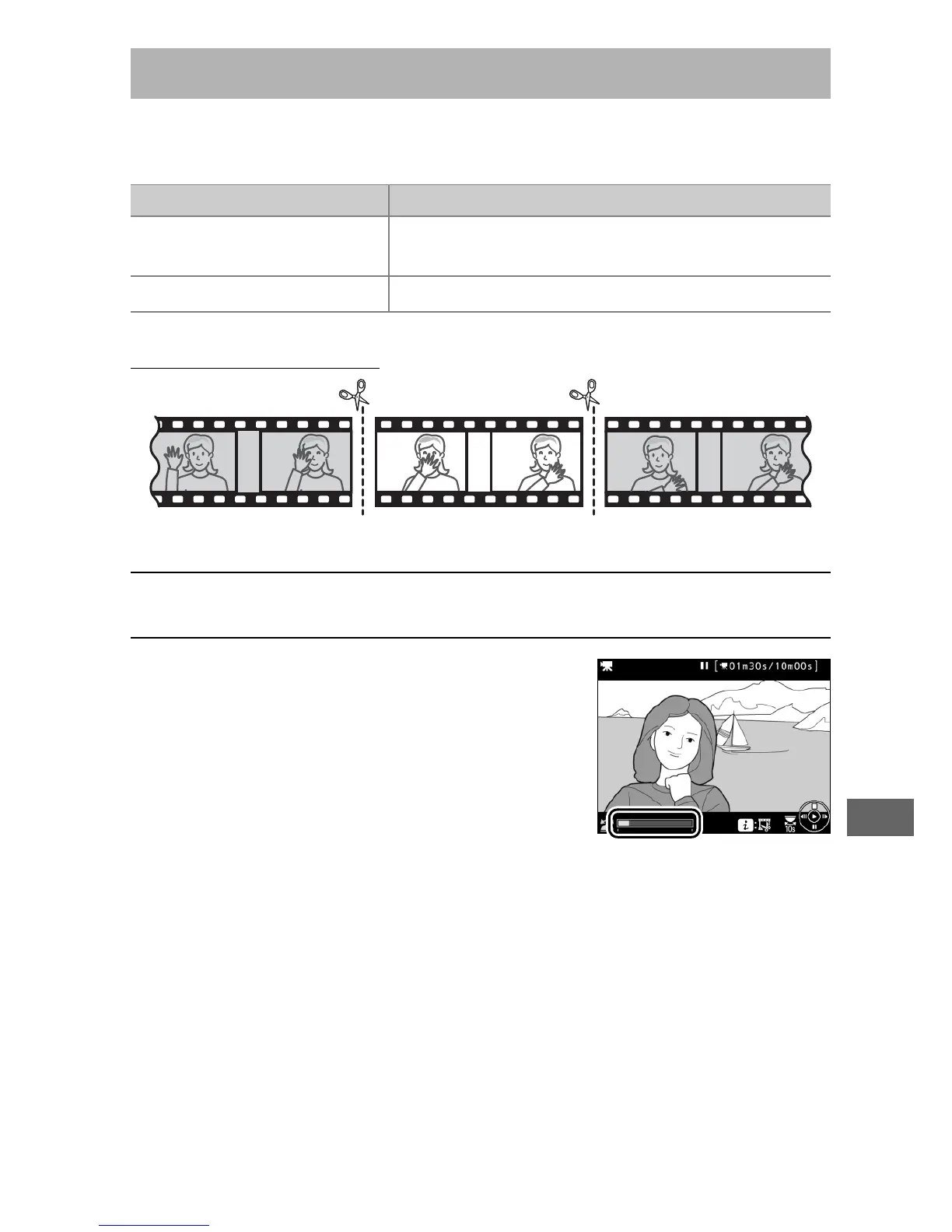
To create trimmed copies of movies:
1 Display a movie full frame (0 229).
2 Pause the movie on the new opening
frame.
Play the movie back as described on
page 177, pressing J to start and
resume playback and 3 to pause and
pressing 4 or 2 or rotating the main
or sub-command dial to locate the
desired frame.
Your approximate
position in the movie can be ascertained from the movie
progress bar.
Pause playback when you reach the new
opening frame.
Editing Movies
Option Description
9
Choose start/end point
Create a copy from which unwanted footage
has been removed.
4
Save selected frame Save a selected frame as a JPEG still.



 To Next Page