180
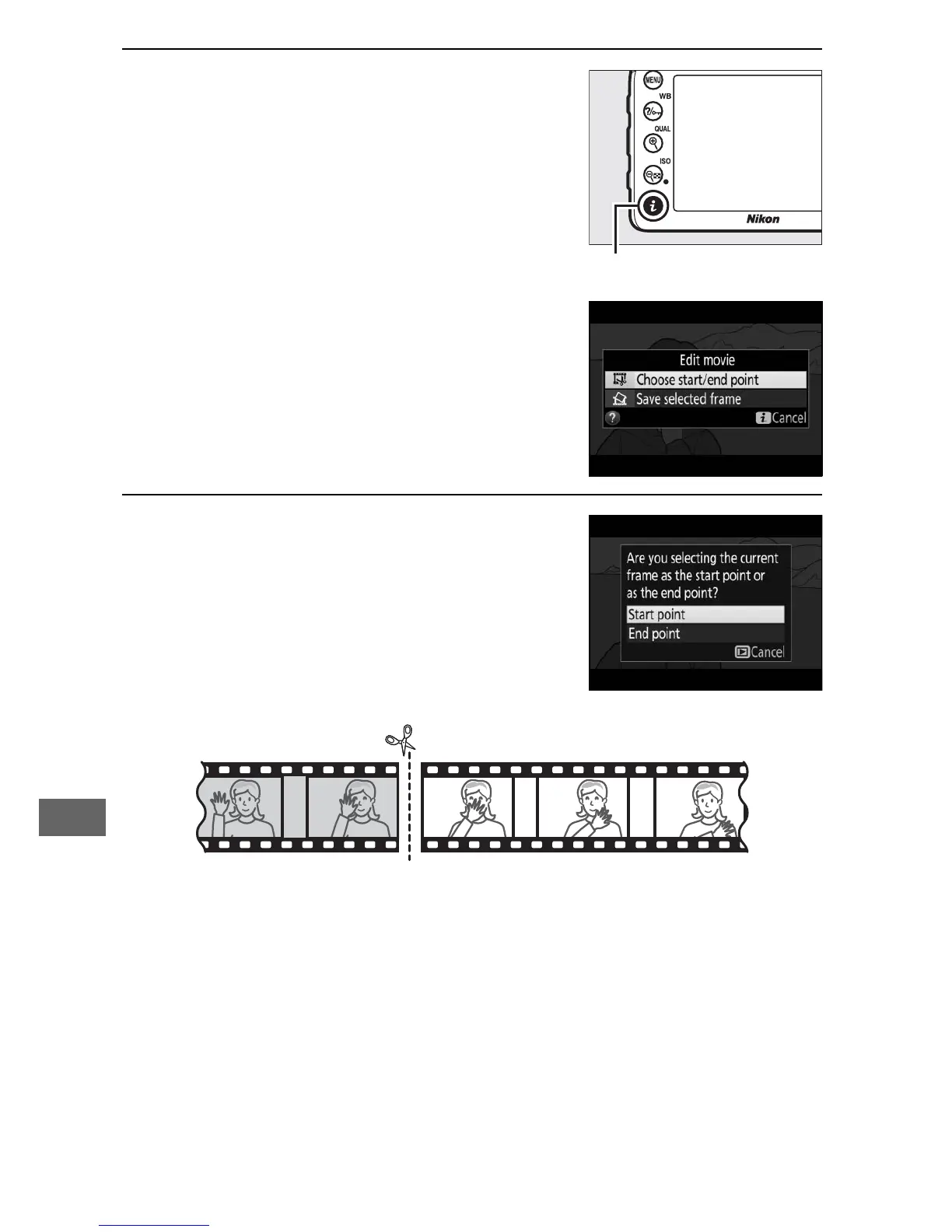
3 Select Choose start/end point.
Press the i button.
Highlight Choose start/end point.
4 Select Start point.
To create a copy that begins from the
current frame, highlight Start point
and press J.
The frames before the
current frame will be removed when
you save the copy in Step 9.



 To Next Page