181
5 Confirm the new start point.
If the desired frame is not currently
displayed, press 4 or 2 to advance or
rewind (to skip to 10 s ahead or back,
rotate the main command dial one
stop; to skip to an index, or to the first
or last frame if the movie contains no
indices, rotate the sub-command dial).
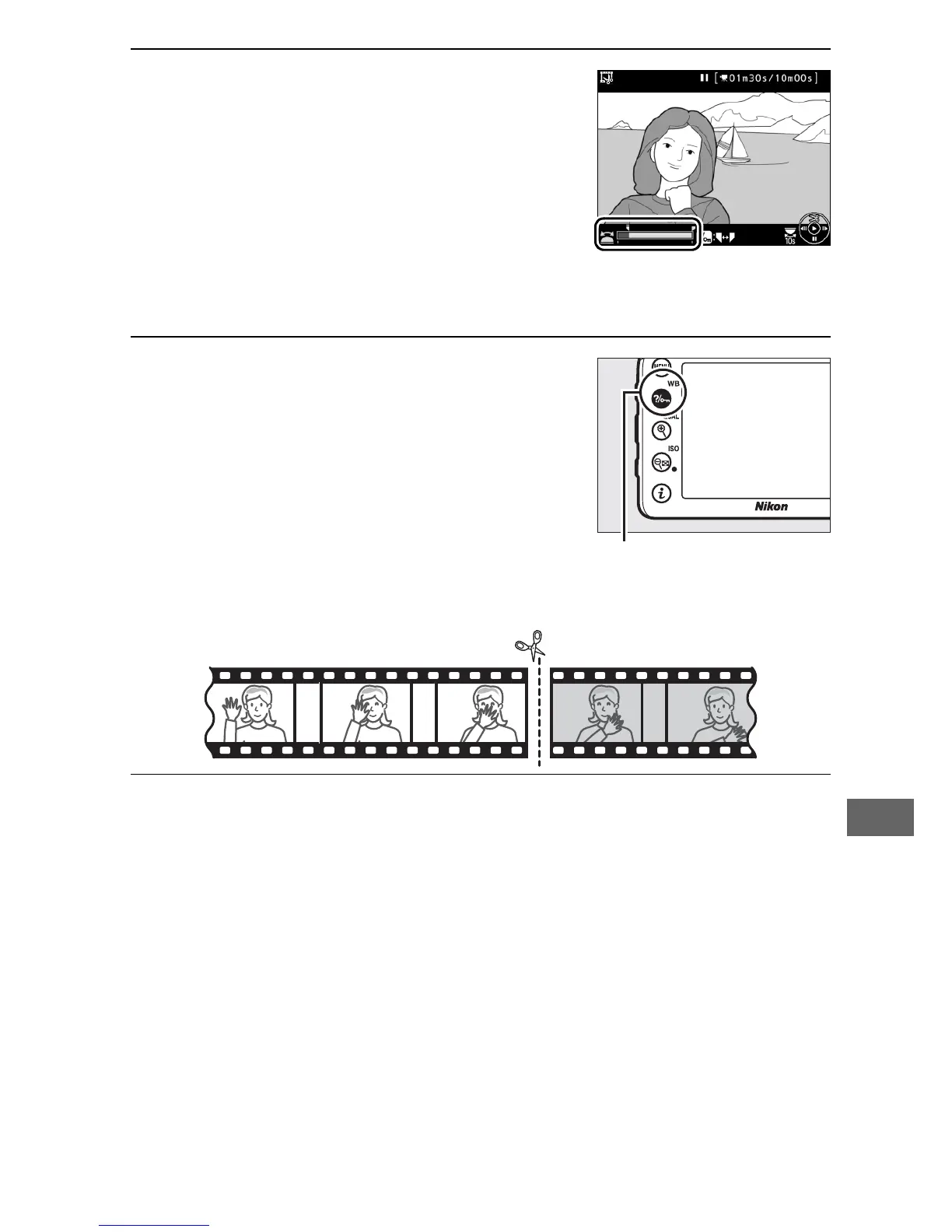
6 Choose the end point.
Press L (U) to switch from the start
point (w) to the end point (x) selection
tool and then select the closing frame
as described in Step 5. The frames
after the selected frame will be
removed when you save the copy in
Step 9.
7 Create the copy.
Once the desired closing frame is displayed, press 1.



 To Next Page