207
❚❚ ADL Bracketing
The camera varies Active D-Lighting over a series of exposures.
For more information on Active D-Lighting, see page 139.
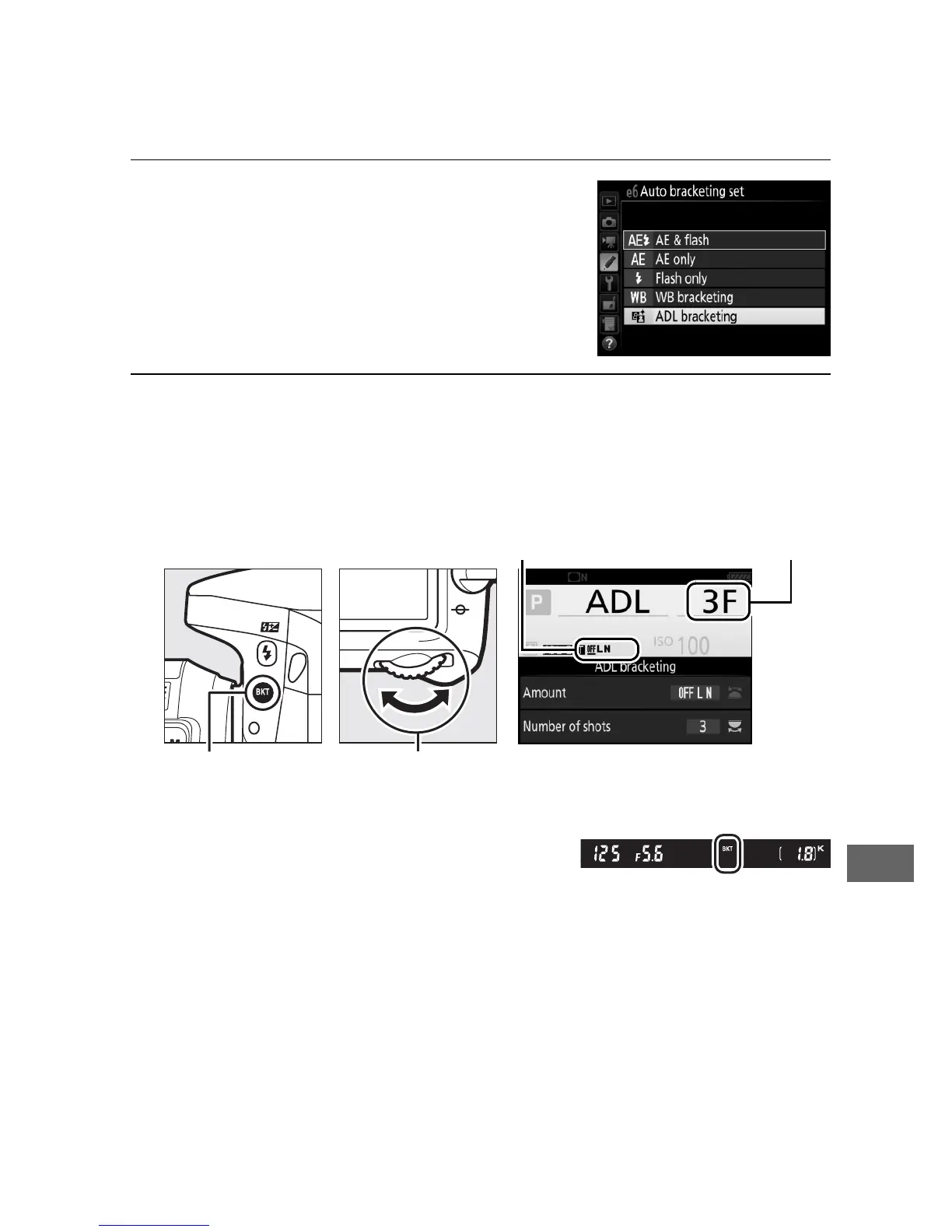
1 Select ADL bracketing.
Choose ADL bracketing for Custom
Setting e6 (Auto bracketing set).
2 Choose the number of shots.
Pressing the BKT button, rotate the main command dial to
choose the number of shots in the bracketing sequence.
At settings other than zero, M and
D are displayed respectively in the
control panel and viewfinder; a
z icon and the bracketing amount appear in the
information display.
ADL bracketing
amount
Number of
shots
BKT button Main command
dial
Information display



 To Next Page