208
Choose two shots to take one photograph with Active
D-Lighting off and another at a selected value.
Choose three
to five shots to take a series of photographs with Active
D-Lighting set to Off, Low, and Normal (three shots), Off,
Low, Normal, and High (four shots), or Off, Low, Normal,
High, and Extra high (five shots).
If you choose more than
two shots, proceed to Step 4.
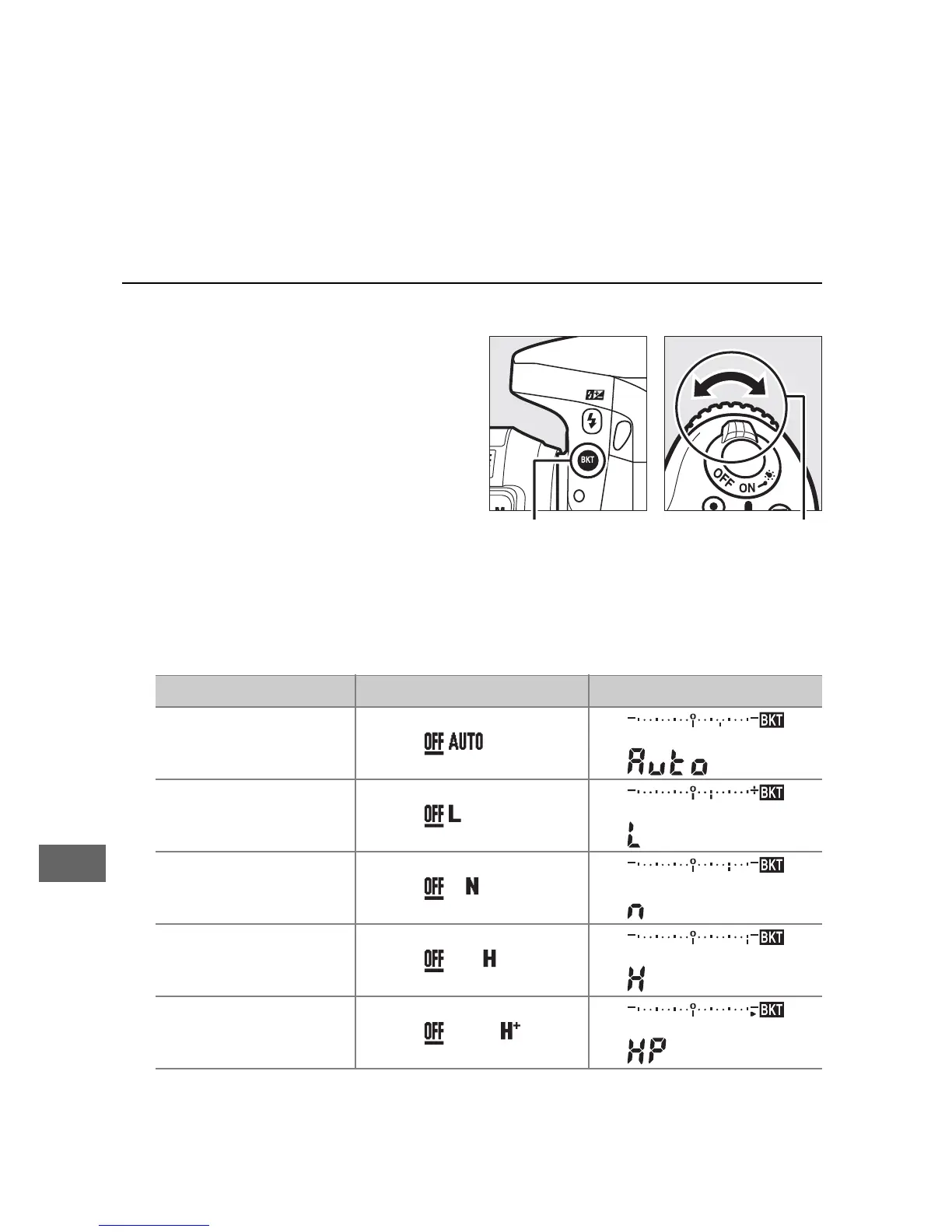
3 Select Active D-Lighting.
Pressing the BKT button,
rotate the sub-command
dial to choose Active
D-Lighting.
Active D-Lighting is shown in the information display and
control panel.
Active D-Lighting Information display Control panel display
Y
Auto
R
Low
Q
Normal
P
High
Z
Extra high



 To Next Page