12
The Monitor (Live View)
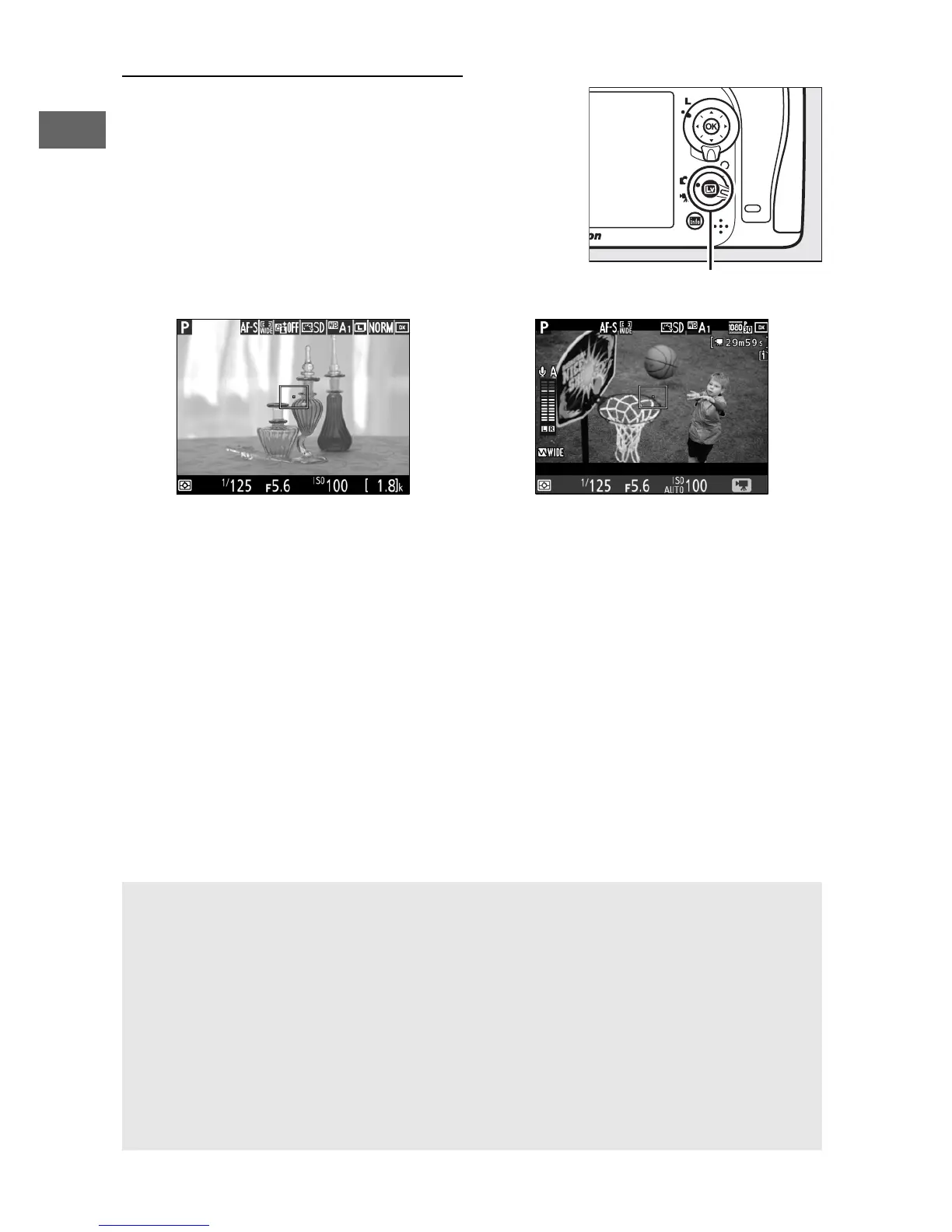
To frame photos or movies in the
monitor, rotate the live view selector to
C (photo live view) or 1 (movie live
view) and press the a button.
Live view selector rotated to C Live view selector rotated to 1
D The Count Down Display
A count down will be displayed 30 s before live view ends
automatically (the timer turns red if live view is about to end to protect
the internal circuits or, if an option other than No limit is selected for
Custom Setting c4—Monitor off delay > Live view; 0 279—5 s
before the monitor is due to turn off automatically).
Depending on
shooting conditions, the timer may appear immediately when live
view is selected.
Movie recording will end automatically when the
timer expires, regardless of the amount of recording time available.



 To Next Page