47
❚❚ i Miniature Effect
1 Select live view.
Press the a button. The view through
the lens will be displayed in the
monitor.
2 Position the focus point.
Use the multi selector to position the
focus point in the area that will be in
focus and then press the shutter-
release button halfway to check focus.
To temporarily clear miniature effect
options from the display and enlarge
the view in the monitor for precise focus, press X (T).
Press W (S) to restore the miniature effect display.
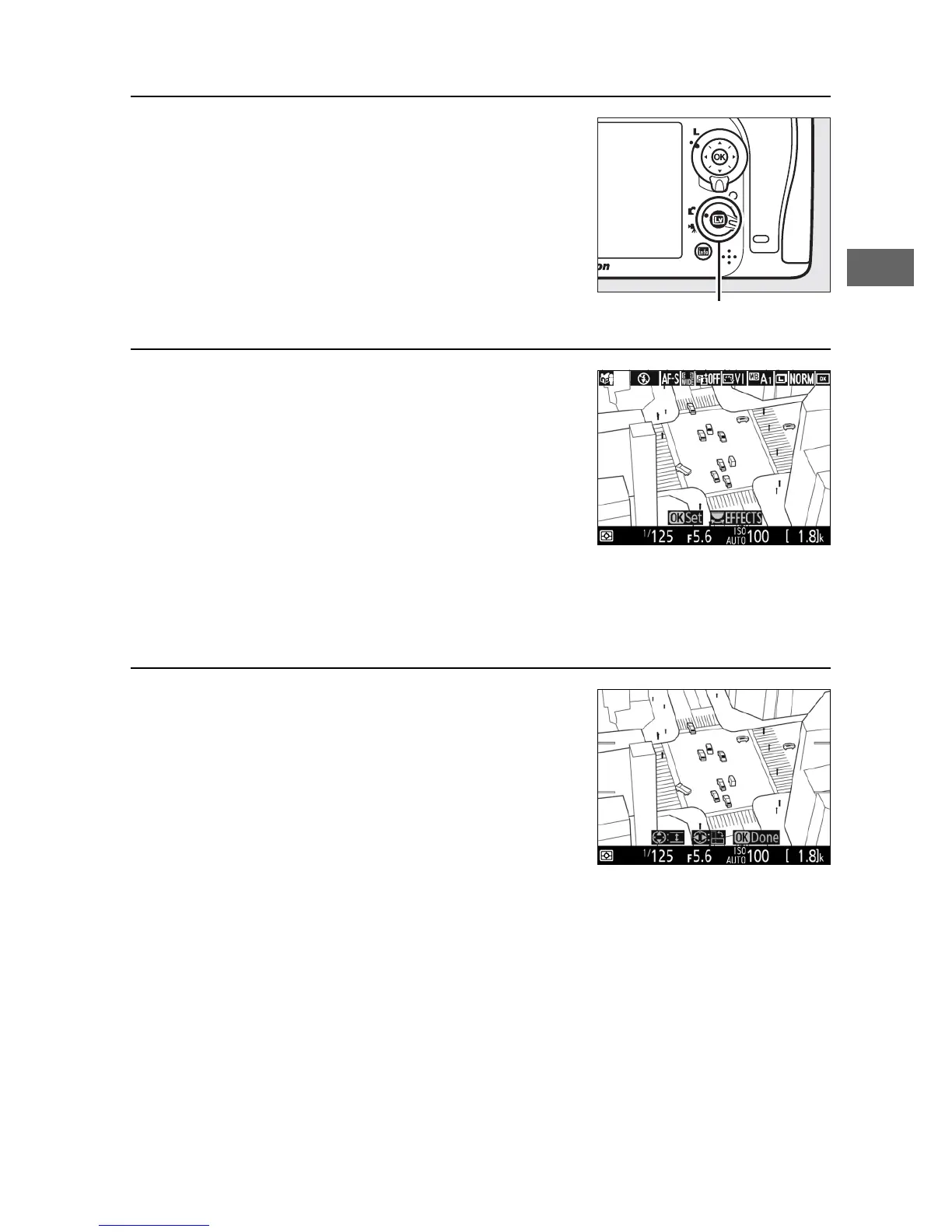
3 Display options.
Press J to display miniature effect
options.



 To Next Page