90
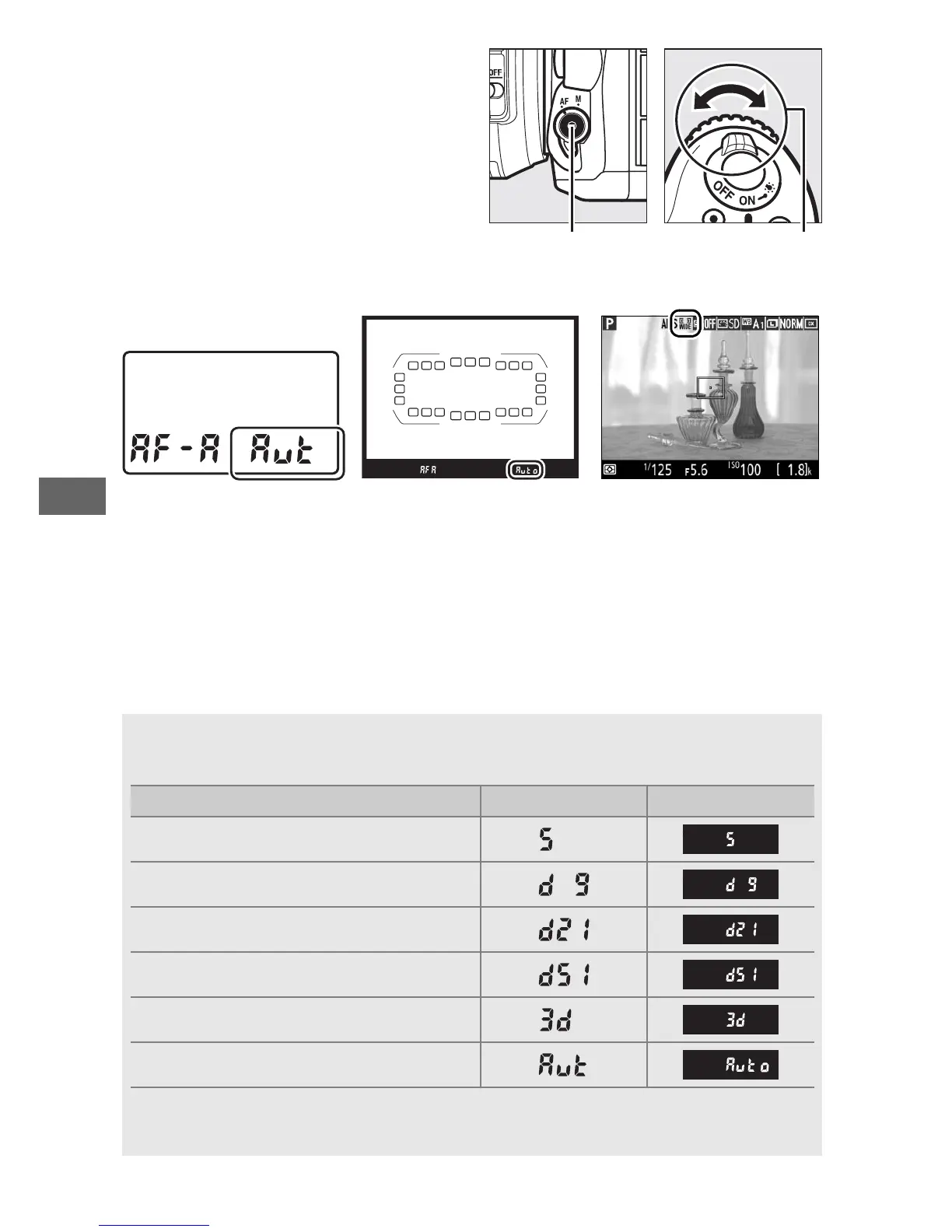
AF-area mode can be selected
by pressing the AF-mode
button and rotating the sub-
command dial until the desired
setting is displayed.
Control panel Viewfinder Monitor
A AF-Area Mode (Viewfinder Photography)
AF-area mode is shown in the control panel and viewfinder.
AF-area mode Control panel Viewfinder
Single-point AF
9-point dynamic-area AF
*
21-point dynamic-area AF
*
51-point dynamic-area AF
*
3D-tracking
Auto-area AF
* Only active focus point is displayed in the viewfinder.
Remaining focus points provide
information to assist focus operation.



 To Next Page