259
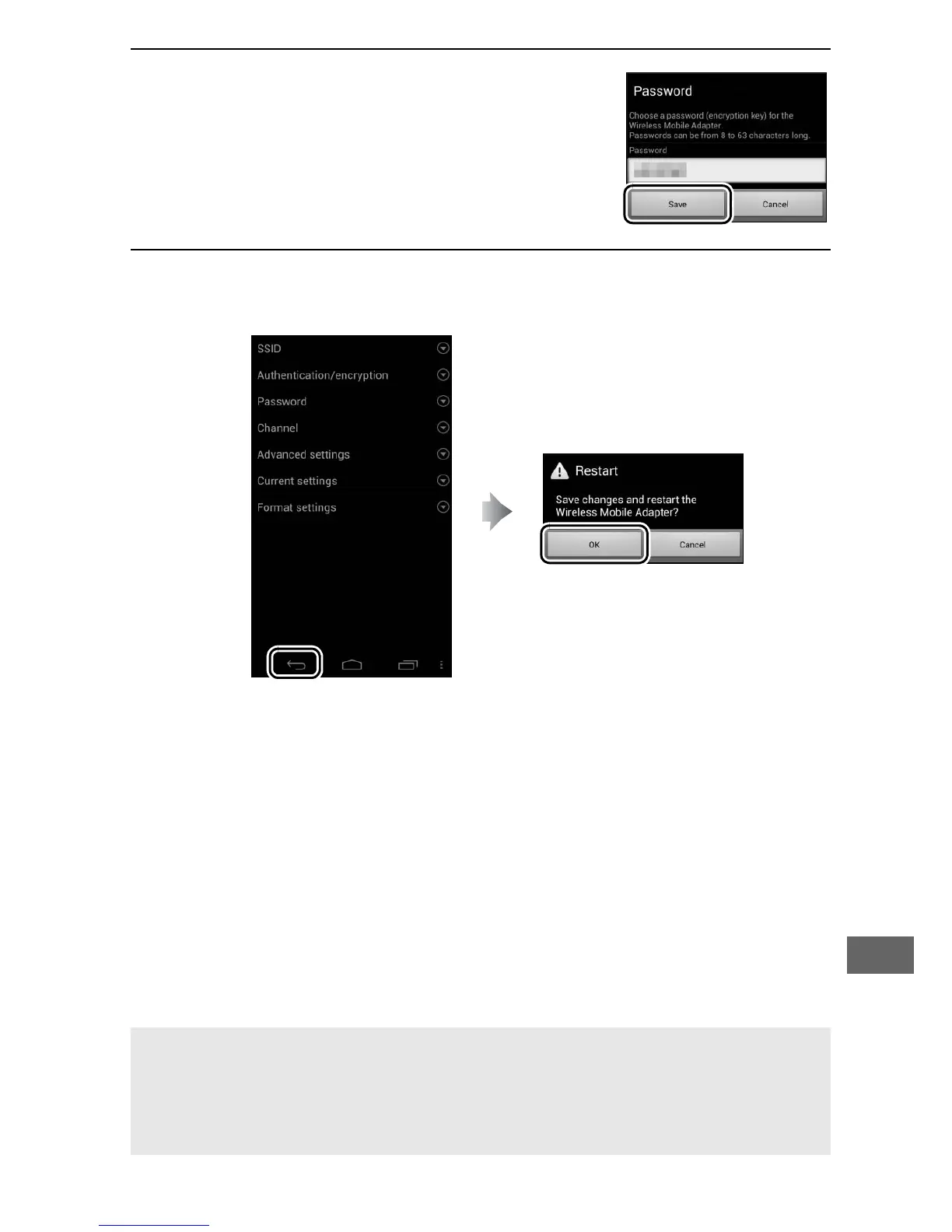
6 Enter a password.
Enter a password and select Save.
Passwords may be from 8 to 63
characters long.
7 Enable wireless security.
Select b.
A confirmation dialog will be displayed; select OK.
A Viewing Wireless Security Settings
To view the current password and authentication/encryption settings,
select Current settings in the Wireless Mobile Adapter settings
menu.



 To Next Page