100
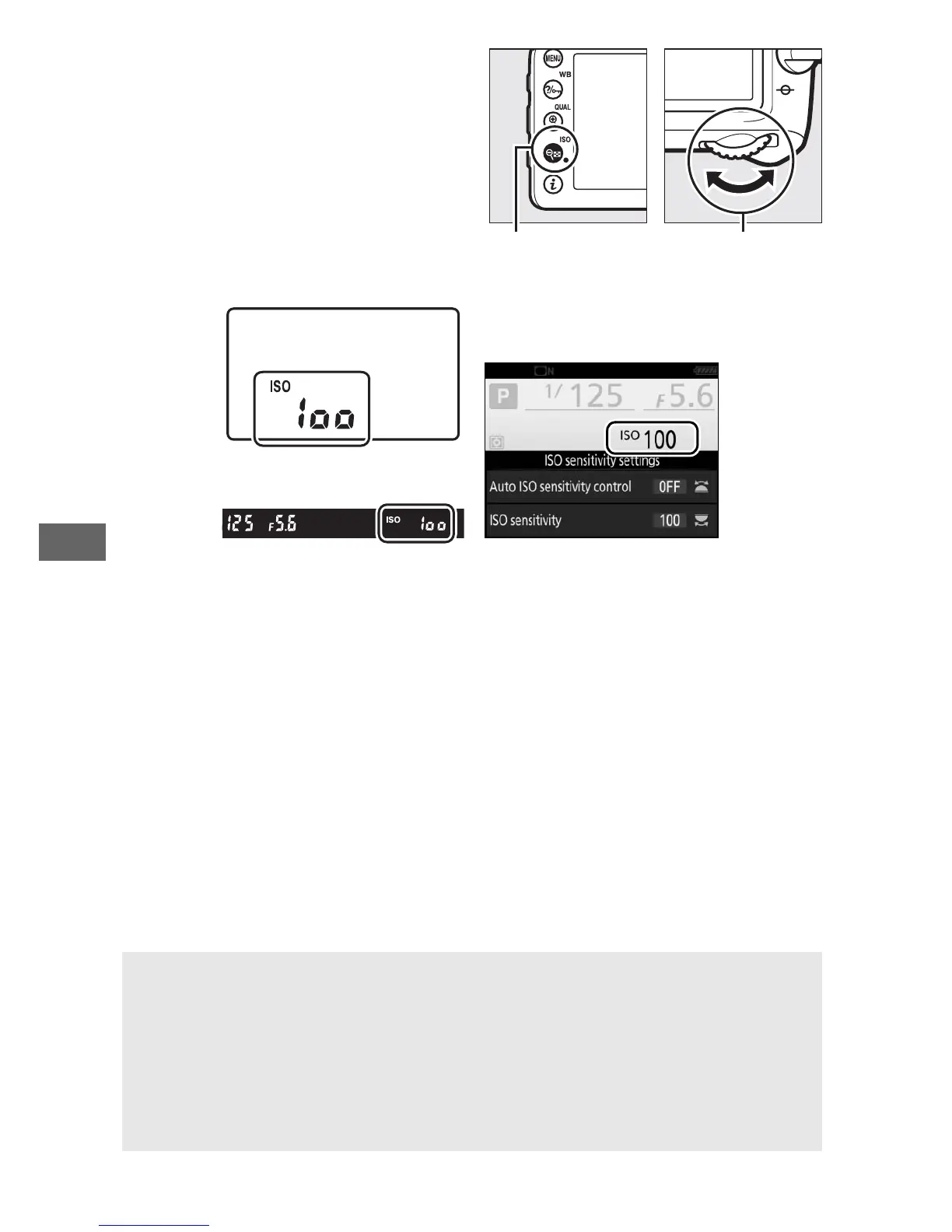
ISO sensitivity can be adjusted
by pressing the W (S) button
and rotating the main
command dial until the desired
setting is displayed.
Control panel
Viewfinder Information display
A The Photo Shooting Menu
ISO sensitivity can also be adjusted from the photo shooting menu.
Choose ISO sensitivity settings in photo shooting menu to adjust
settings for photographs (0 271).
A Live View
In live view, the selected value is displayed in the monitor.



 To Next Page