119
❚❚ The L (U) Button
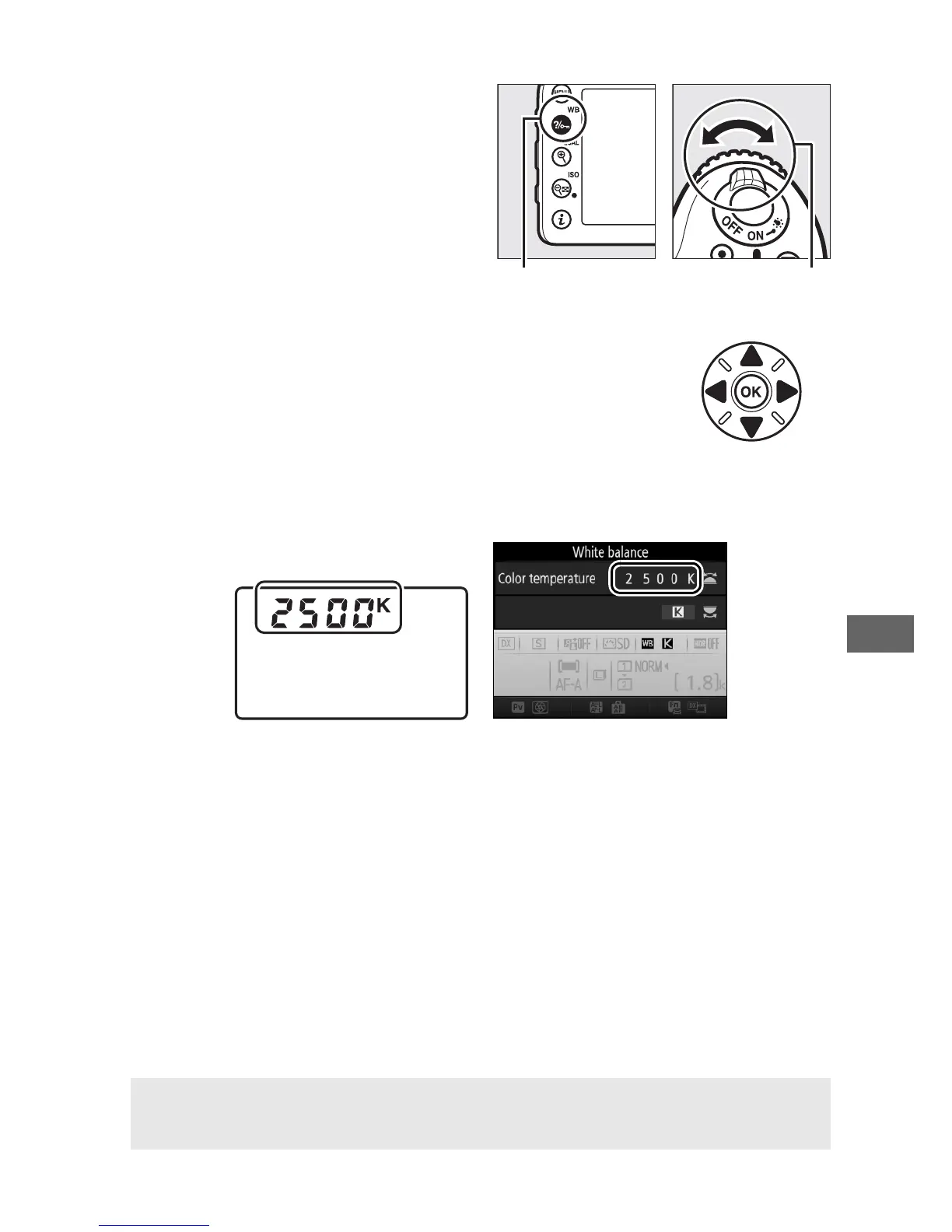
When K (Choose color temp.)
is selected, the L (U) button
can be used to select the color
temperature, although only for
the amber (A)–blue (B) axis.
Press the L (U) button and
rotate the sub-command dial
until the desired value is
displayed (adjustments are
made in mireds; 0 116).
To
enter a color temperature
directly, press the L (U)
button and press 4 or 2 to highlight a digit and press 1 or 3 to
change.
Control panel Information display
A Live View
In live view, the selected value is displayed in the monitor.



 To Next Page