200
4 Frame a photograph, focus, and shoot.
The camera will vary exposure and/or flash level
shot-by-shot according to the bracketing program
selected.
Modifications to exposure are added to
those made with exposure compensation (see page 109).
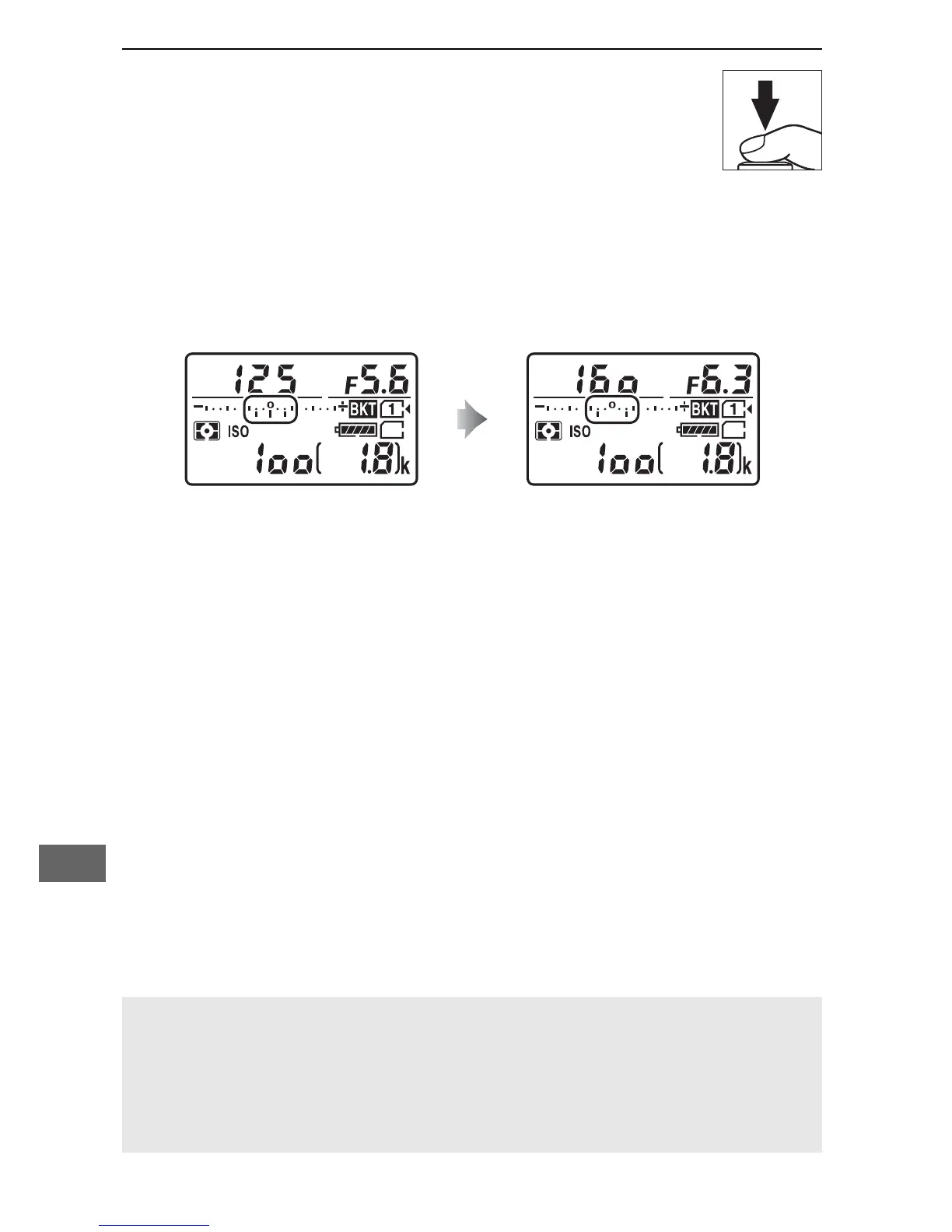
A bracketing progress indicator is displayed while bracketing
is in effect.
A segment will disappear from the indicator after
each shot.
No. shots: 3; increment: 0.7 Display after first shot
A See Also
For information on choosing the size of the increment, see Custom
Setting b2 (EV steps for exposure cntrl, 0 278).
For information on
choosing the order in which bracketing is performed, see Custom
Setting e7 (Bracketing order, 0 284).



 To Next Page